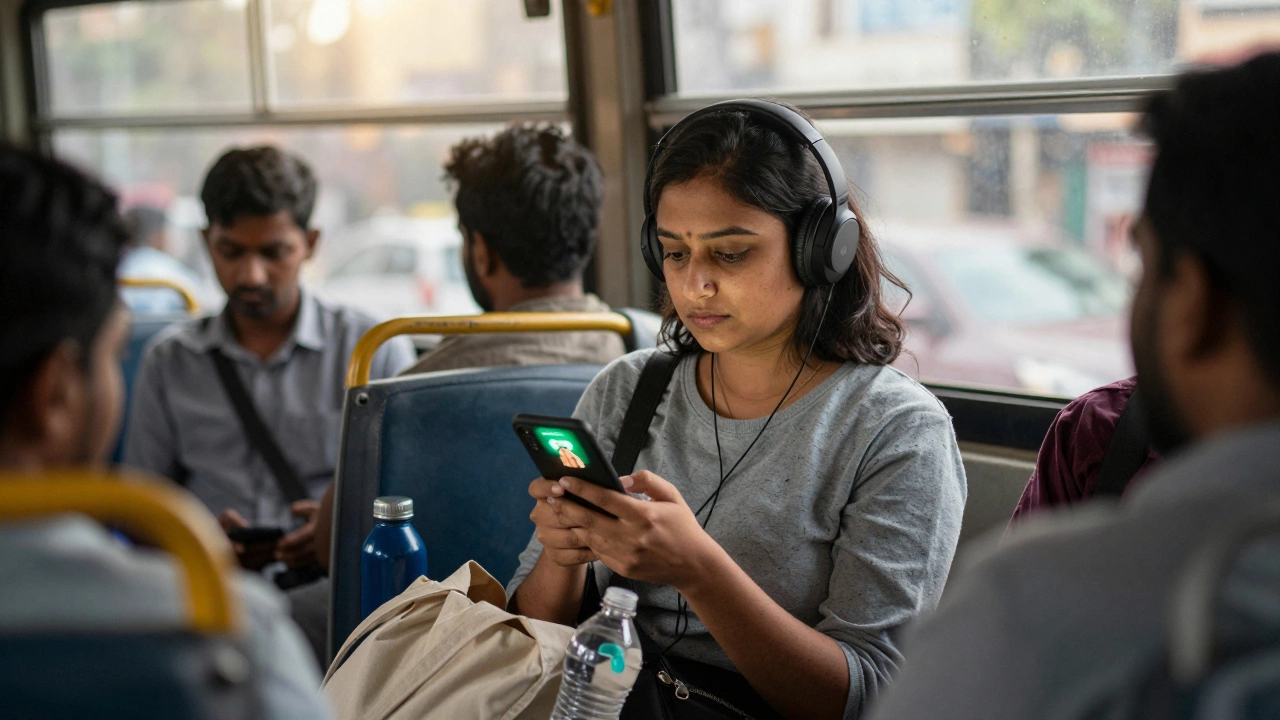
Most people think eLearning means sitting in front of a laptop with a big screen, a quiet room, and a coffee mug nearby. But what if you’re on a bus, waiting in line at the grocery store, or on your lunch break? Can you still learn something meaningful? The short answer: eLearning on phone isn’t just possible-it’s becoming the norm.
Phones Are the New Classroom
In 2026, over 72% of online learners use their phones as their primary device for coursework, according to a global survey by the International Council for Open and Distance Education. That’s more than laptops or tablets. Why? Because your phone is always with you. It doesn’t need setup. It doesn’t need charging stations. It just works.Think about it: You wouldn’t wait until you get home to check your messages, so why wait to learn? Apps like Coursera, Udemy, Khan Academy, and Duolingo have spent years optimizing their mobile experiences. They’ve trimmed videos to load fast on 4G, turned long lectures into 5-10 minute chunks, and built offline modes so you can download lessons and study without Wi-Fi.
What You Can Actually Learn on Your Phone
It’s not just flashcards and quizzes. You can do full courses on your phone, even ones that lead to certificates. Here’s what’s possible right now:- Learn Python with free courses from Google or IBM on Coursera’s mobile app
- Practice Spanish with Duolingo’s daily streaks and voice recognition
- Take a 4-week project management course on edX while commuting
- Watch YouTube tutorials on Excel formulas during your lunch break
- Complete a certified digital marketing course on LinkedIn Learning offline
Some universities even let you earn degrees through mobile-first platforms. For example, the University of the People offers accredited bachelor’s degrees where 80% of coursework is done via smartphone. You submit assignments, take quizzes, and join group discussions-all from your pocket.
How Mobile Learning Is Different From Desktop Learning
Mobile learning isn’t just desktop learning shrunk down. It’s designed differently. Here’s how:- Microlearning: Lessons are broken into 5-15 minute segments. You learn one concept at a time, then move on.
- Push reminders: Apps nudge you: “You’re on a 7-day streak! Don’t break it.”
- Touch-based interaction: Tap to answer, swipe to skip, pinch to zoom on diagrams.
- Offline access: Download videos, PDFs, or quizzes when you’re connected, then study anywhere.
- Audio-only mode: Listen to lectures while walking or cooking. Many apps let you speed up playback to 1.5x or 2x.
On a laptop, you might spend an hour watching a lecture. On your phone, you might watch three 10-minute clips over the course of the day. That’s spaced learning-and research shows it sticks better.
Limitations? Yes. But They’re Manageable
It’s not perfect. Some things are harder on a small screen:- Writing long essays or coding projects can be tedious without a physical keyboard
- Complex diagrams in engineering or anatomy courses may be hard to zoom into clearly
- Group discussions or live video sessions can lag on weak networks
But here’s the fix: Use your phone for learning, and your laptop or tablet for heavy tasks. Most platforms sync across devices. Start a quiz on your phone during your commute, finish it on your tablet at home. Submit a short essay on your phone, then polish it on your computer later. The system works together.
Best Apps for Mobile Learning in 2026
Not all apps are made equal. These are the top performers based on user retention, course quality, and offline support:| App | Best For | Offline Mode? | Free Tier? | Key Feature |
|---|---|---|---|---|
| Duolingo | Language learning | Yes | Yes | Daily streaks and speech recognition |
| Coursera | University courses, certifications | Yes | Yes (audit mode) | Download lectures and assignments |
| Udemy | Practical skills (design, coding, marketing) | Yes | Yes (paid courses available) | 30-day refund policy |
| Khan Academy | K-12 and college prep | Yes | 100% free | Ad-free, no sign-up needed |
| LinkedIn Learning | Professional development | Yes | Free trial only | Syncs with your resume |
Most of these apps work on both Android and iOS. You don’t need a high-end phone. Even a $200 device from the last three years handles them fine.
Real-Life Example: Maria’s Story
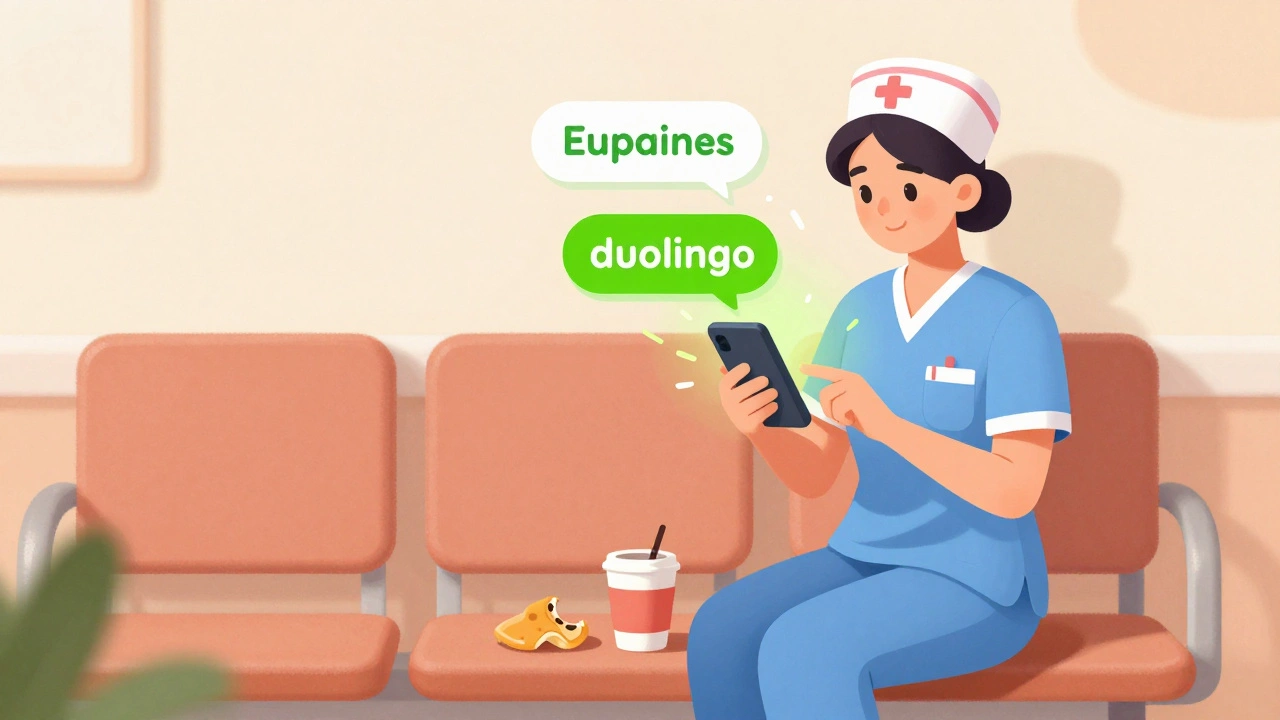
Maria, 34, works as a nurse in Chicago. She’s studying for her bachelor’s in nursing through an online program. She doesn’t have time for a full class schedule. So she uses her phone:- Watches 10-minute anatomy videos while waiting for her shift to start
- Completes quizzes during her 15-minute coffee break
- Listsens to recorded lectures on her walk to the car
- Submits her weekly reflection essays on her phone before bed
She finished her first year with a 3.8 GPA. She didn’t miss a single deadline. Her phone didn’t replace her laptop-it replaced her need to find time.
How to Start Learning on Your Phone Today
If you’ve never tried it, here’s a simple plan:- Choose one skill you want to learn-say, basic Excel or conversational French.
- Download one app that specializes in it (Duolingo for language, Khan Academy for math).
- Set a goal: “I’ll do 5 minutes a day, every day.”
- Turn on notifications so the app reminds you.
- Download at least one lesson for offline use.
- Stick with it for 7 days.
That’s it. No big commitment. No fancy gear. Just your phone and 5 minutes.

What’s Next for Mobile Learning?
By 2027, expect AI tutors to appear in apps that adapt to your mistakes in real time. Imagine asking your phone, “Explain this calculus problem again,” and it breaks it down using your past errors as a guide. Some apps already test this. Others are rolling it out slowly.Augmented reality (AR) is also coming. You’ll be able to point your phone at a plant and learn its name, structure, and care tips. Or point it at a car engine and see a 3D breakdown of how it works.
But for now? You don’t need any of that. You already have everything you need.
Frequently Asked Questions
Can I earn certificates on my phone?
Yes. Platforms like Coursera, edX, and LinkedIn Learning let you complete full courses and earn certificates entirely on your phone. You’ll get a digital badge you can share on LinkedIn or download as a PDF. Some even offer verified certificates for a small fee, which are accepted by employers.
Do I need Wi-Fi to learn on my phone?
No. Most major learning apps let you download videos, readings, and quizzes ahead of time. Once downloaded, you can study anywhere-even underground, on planes, or in rural areas with no signal. Just make sure to connect to Wi-Fi once a week to sync progress and download new content.
Is mobile learning as effective as desktop learning?
For most learners, yes. Studies from Stanford and MIT show that mobile learners retain 20-30% more information over time because they learn in short bursts, which matches how the brain naturally absorbs knowledge. The key is consistency, not session length. Five minutes daily beats two hours once a week.
Can I code on my phone?
You can learn to code and practice basics on your phone. Apps like SoloLearn, Mimo, and Grasshopper teach Python, JavaScript, and HTML through interactive exercises. For full projects, you’ll eventually need a keyboard and screen. But many developers start by learning concepts on their phones before moving to a laptop.
Are mobile learning apps safe and private?
Top apps follow strict privacy rules. Coursera, Khan Academy, and Duolingo don’t sell your data. They’re funded by subscriptions or universities, not ads. Avoid apps that ask for unnecessary permissions or push too many ads. Stick to well-known platforms with clear privacy policies.