UI/UX Learning Progress Calculator
How Far Are You From Job-Ready?
Track your progress toward 500 hours of UI/UX practice - the benchmark for junior roles.
Ever looked at a website or app and thought, “I could make this better”? That’s the first sign you’re cut out for UI/UX design. And yes-you can absolutely learn it on your own. No degree. No expensive bootcamp. Just you, a laptop, and the right path. Thousands of designers today started exactly where you are: curious, unsure, but determined.
What UI/UX Really Means (And Why It Matters)
UI stands for User Interface. It’s what you see: buttons, colors, fonts, spacing. UX is User Experience. It’s how someone feels when they use the product-frustrated? Smooth? Confused? Inspired?
Think of UI as the outfit someone wears. UX is how comfortable they feel in it. A gorgeous dress that’s too tight? Bad UX. A simple T-shirt that fits perfectly? Great UX. Companies like Airbnb, Spotify, and Duolingo didn’t succeed because their UI looked fancy. They succeeded because their UX made people want to use them.
You don’t need to be an artist. You don’t need to code. You need to understand people. And that’s something anyone can learn.
Where to Start: The Core Skills You Need
There are four pillars to UI/UX design you can master alone:
- Research - How do people actually use products? Talk to them. Watch them. Read reviews. Tools like Google Forms and a free survey tool to collect user feedback help you gather real data.
- Wireframing - Sketching layouts before you design. Start with pen and paper. Then try Figma and a collaborative design tool used by over 10 million designers. It’s free, web-based, and used by startups and Fortune 500s alike.
- Prototyping - Turning static screens into clickable mockups. Figma lets you link buttons and simulate navigation. No coding needed.
- Usability Testing - Give your prototype to five strangers. Watch how they use it. You’ll learn more in one hour than in a month of theory.
These aren’t secrets. They’re taught in every design school. But you can find them for free online.
Free Resources That Actually Work
There’s no shortage of free learning material. But most are cluttered or outdated. Here’s what works in 2026:
- Google’s UX Design Certificate and a free, self-paced program on Coursera that covers research, wireframing, and prototyping - It’s the same curriculum used in university programs. No cost to audit.
- YouTube Channels and channels like DesignCourse and UX Design Education with real project walkthroughs - Watch designers solve real problems step by step.
- UX Design Handbook and a free, open-source guide by Nielsen Norman Group, the gold standard in usability research - Bookmark this. Refer to it often.
- Frontend Mentor and a platform offering real-world UI challenges with downloadable designs and feedback - Practice by rebuilding popular apps like Spotify or Airbnb.
Don’t jump between ten courses. Pick one path. Stick with it for 30 days. Build one small project. Then another.
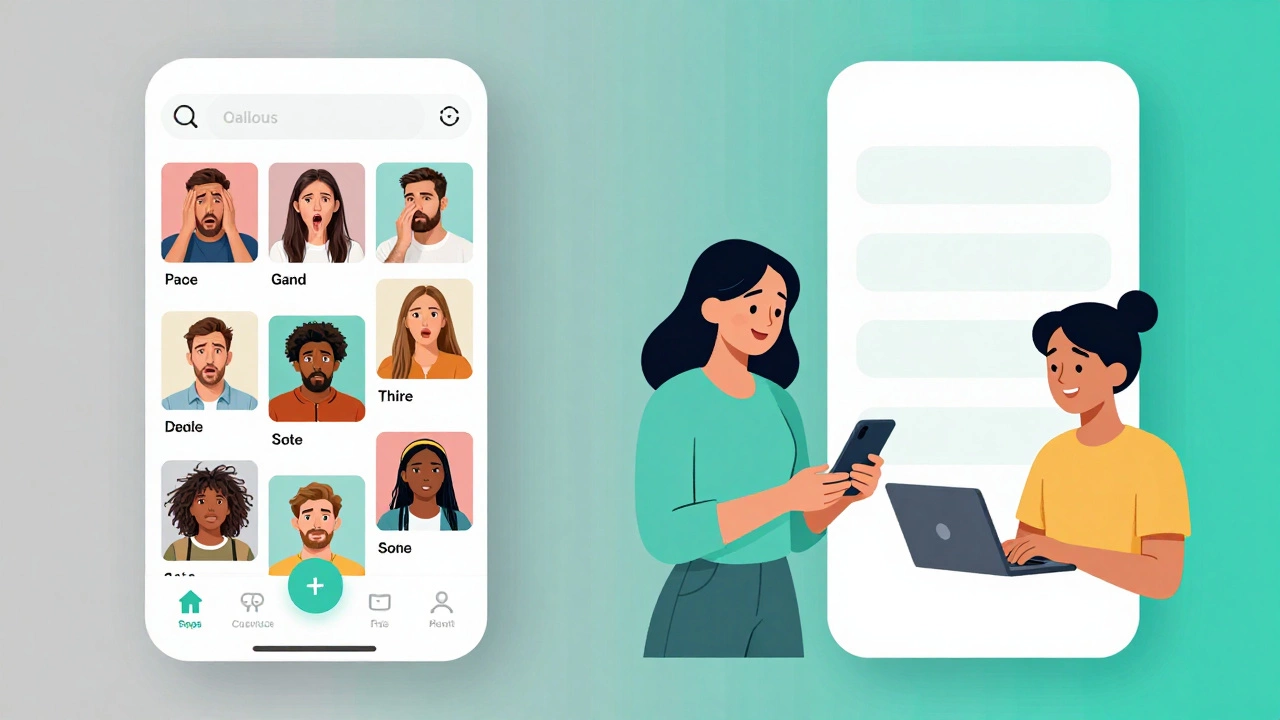
Build a Portfolio (Even If You Have No Experience)
Employers don’t care about your resume. They care about your work. You need three solid projects to prove you can design.
Here’s how to build them without a job:
- Redesign a bad app - Find an app with poor reviews (like a government portal or a clunky food delivery app). Redesign its homepage. Explain what you changed and why.
- Solve a personal problem - Made a habit tracker? Designed a planner for students? That’s a project. Document your process: research → sketches → prototype → feedback.
- Volunteer - Offer to redesign a local nonprofit’s website. They’ll say yes. You’ll get real feedback and a case study.
Your portfolio doesn’t need to be flashy. It needs to show your thinking. How did you identify the problem? What data did you use? What did you learn? That’s what matters.
Common Mistakes New Designers Make (And How to Avoid Them)
You’ll run into traps. Here are the big ones:
- Thinking design is about making things pretty - A bright color palette won’t fix a confusing menu. Focus on clarity, not aesthetics.
- Skipping research - Don’t design based on what you think users want. Ask them. Even if it’s just five people.
- Copying trends - Glassmorphism, neumorphism, micro-interactions-they come and go. Solve the problem first.
- Not getting feedback - If you show your work to only friends, you’ll never improve. Post it on Reddit’s r/UXDesign or Dribbble. Let strangers tear it apart.
One designer I know redesigned a checkout flow after watching a user struggle for 12 minutes. That one change increased conversions by 47%. That’s the power of real observation.
How Long Does It Take to Get Good?
It’s not about time. It’s about practice.
After 20 hours of focused work, you’ll understand the basics. After 100 hours, you’ll start seeing design flaws everywhere. After 500 hours, you’ll be ready to apply for junior roles.
That’s not years. That’s 3-6 months if you put in 5-10 hours a week. Most people quit before the 100-hour mark because they think they’re not “talented enough.” You don’t need talent. You need consistency.
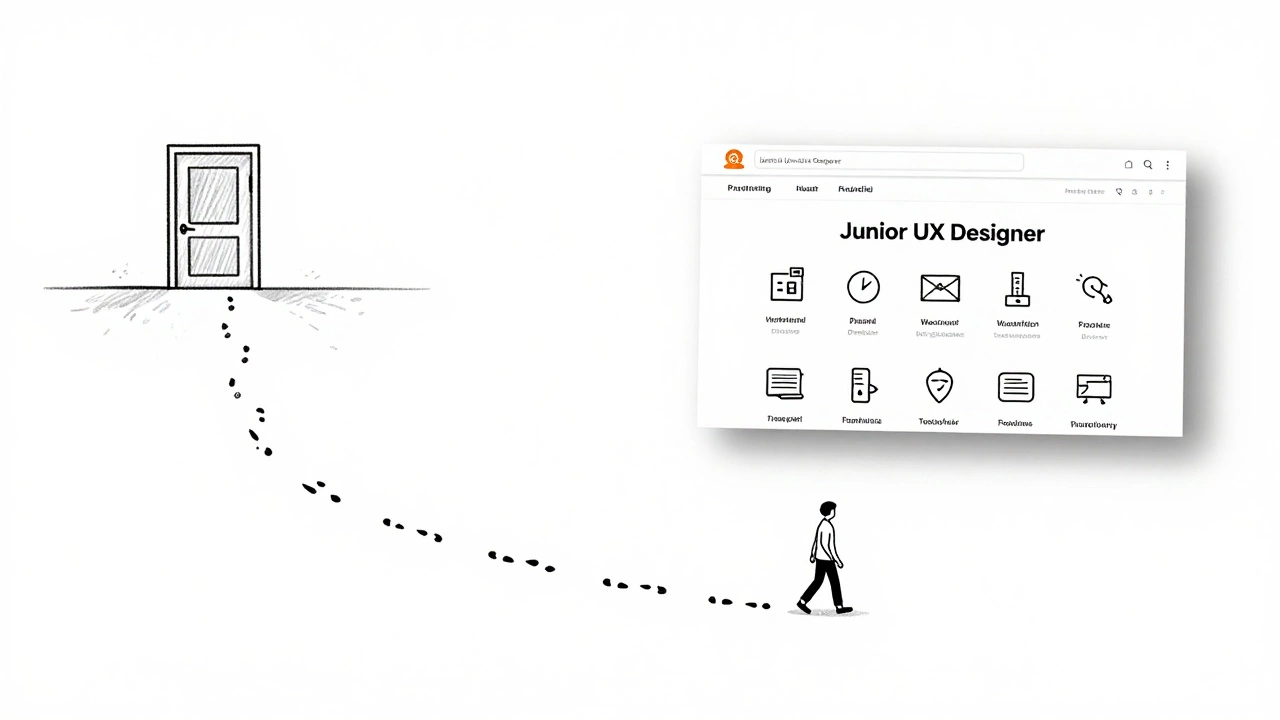
Can You Land a Job Without a Degree?
Yes. In 2025, over 60% of entry-level UX hires didn’t have a design degree. Companies like Shopify, Canva, and Dropbox hire based on portfolios-not diplomas.
Job titles to look for: Junior UX Designer, UX Researcher, Product Designer. Look for roles that say “portfolio required” not “degree required.”
Start applying after your third project. Even if you feel unready. You’ll learn more from interviews than from tutorials.
What Comes Next?
Once you’ve built a portfolio, you’ll have options:
- Apply for remote internships
- Freelance on Upwork or Fiverr
- Join a startup as a generalist (design + research + testing)
- Keep learning: dive into accessibility, motion design, or data-driven UX
UI/UX isn’t a destination. It’s a habit. The more you observe, the better you get. The more you build, the more confident you become.
Do I need to know how to code to learn UI/UX?
No. UI/UX is about understanding user behavior and designing solutions-not writing code. But knowing basic HTML and CSS helps you communicate with developers. You don’t need to build websites, but you should understand how they’re made.
Is Figma the only tool I should learn?
Figma is the most popular today because it’s free, collaborative, and widely used. But Adobe XD and Sketch are also common. Start with Figma. Once you’re comfortable, learning another tool takes less than a weekend.
How do I get feedback on my designs?
Join communities like r/UXDesign, Dribbble, or Behance. Post your work with a clear question: “What’s confusing here?” or “Is this flow intuitive?” Be specific. Most designers are happy to help-especially if you’re respectful and open to criticism.
Can I learn UI/UX while working a full-time job?
Absolutely. Many successful designers started while working in marketing, IT, or even teaching. You only need 5 hours a week to make progress. Use weekends. Early mornings. Lunch breaks. Consistency beats intensity.
What’s the difference between UI and UX?
UI is the visual layer: buttons, icons, colors, typography. UX is the entire journey: how someone discovers the product, what they feel while using it, whether they come back. UI is what you see. UX is what you feel.
Final Thought: You Don’t Need Permission
You don’t need a degree. You don’t need a mentor. You don’t need to wait for the “right time.” All you need is to start. Open Figma. Sketch one screen. Ask one person for feedback. That’s your first step.
The best designers aren’t the most talented. They’re the ones who kept going when others quit.