Python vs JavaScript Decision Tool
Project Configuration
Analysis Results
Select your project parameters and click Analyze to see the recommendation.
Imagine writing your entire website’s logic in Python. No more fighting with semicolons or wrestling with asynchronous callbacks. For years, JavaScript has been the undisputed king of the web, powering every interactive element from dropdown menus to complex dashboards. But what if you could swap it out for Python, a language many developers find easier to read and write?
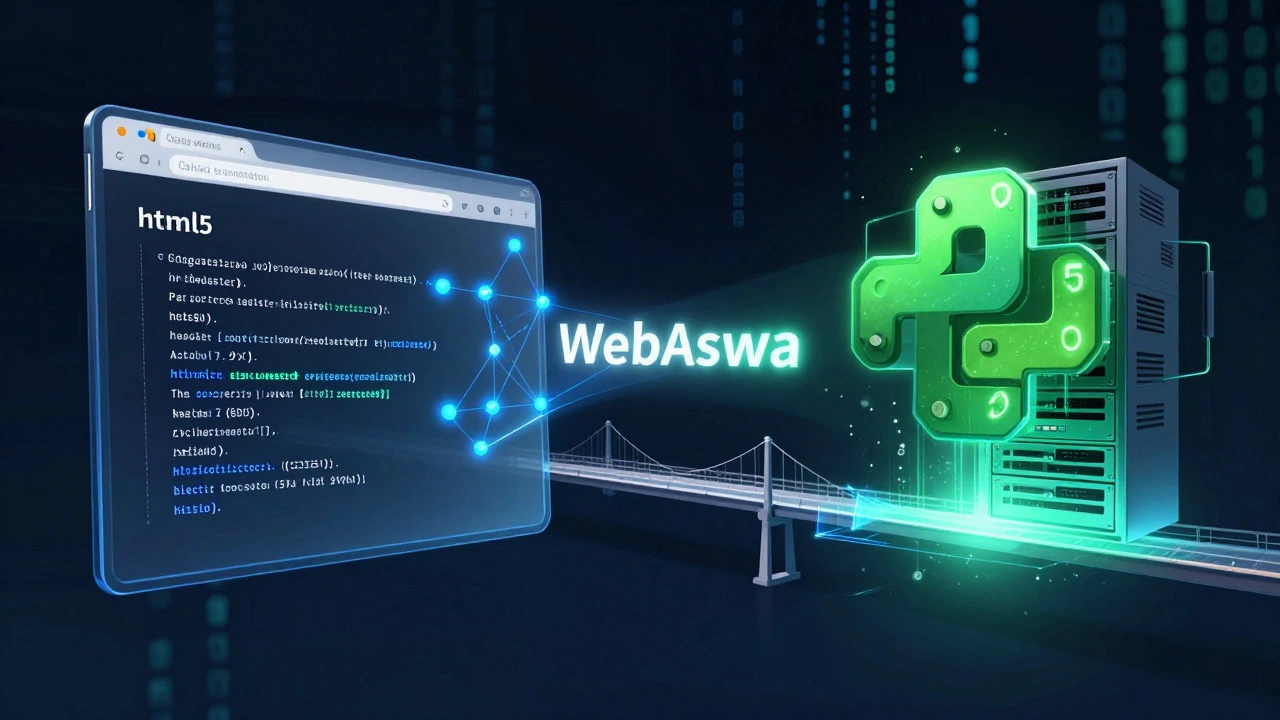
The short answer is yes. You can use Python with HTML instead of JavaScript. However, it doesn’t work the way you might think. Browsers don’t natively understand Python. They speak JavaScript. So, to make this happen, we rely on clever tools that translate your Python code into something the browser can execute on the fly.
How Python Runs in the Browser
To run Python in an environment built for JavaScript, you need a bridge. This bridge comes in the form of interpreters and compilers that convert Python syntax into JavaScript bytecode or WebAssembly. There are three main players in this space right now: PyScript is a project by Anaconda that allows running Python directly in HTML using Web Components, Brython is an implementation of Python 3 that replaces JavaScript as the scripting language for HTML5 pages, and Skulpt is an open-source Python interpreter written in JavaScript.
PyScript is currently the most popular choice for modern web development. It uses WebAssembly (Wasm) to run the Python runtime efficiently. When you load a page with PyScript, the browser downloads the Python engine, sets up the environment, and then executes your scripts. This means you can import libraries like NumPy or Pandas directly in your browser, which was previously impossible without a backend server.
Brython takes a different approach. Instead of compiling Python to Wasm, it translates Python code into JavaScript at runtime. This makes it lighter but sometimes slower for heavy computational tasks. Skulpt is older and often used in educational platforms because it’s lightweight and easy to embed in simple coding tutorials.
Setting Up Your First Python-HTML Page
Let’s look at how easy it is to get started. If you want to try PyScript, you don’t need to install anything locally. You just need to include a few lines of code in your HTML file. Here is a basic example of how you would structure your document:
- Create a new file called
index.html. - Add the standard HTML5 boilerplate.
- In the
<head>section, link to the PyScript CSS and JS files via CDN. - In the body, add a
<py-script>tag where you will write your Python code.
Your code might look something like this:
<!DOCTYPE html>
<html>
<head>
    <link rel="stylesheet" href="https://pyscript.net/releases/2024.1.1/core.css" />
    <script type="module" src="https://pyscript.net/releases/2024.1.1/core.js"></script>
</head>
<body>
    <h1>Hello from Python!</h1>
    <div id="output"></div>

    <py-script>
        from pyscript import document
        document.getElementById("output").innerText = "This text was inserted by Python."
    </py-script>
</body>
</html>
When you open this file in your browser, you’ll notice a slight delay before the text appears. That’s the time it takes for the browser to download and initialize the Python runtime. Once loaded, the script runs, finds the element with the ID "output", and updates its content. It’s essentially doing exactly what document.getElementById().innerText = ... does in JavaScript, but with Python syntax.
Pros and Cons: Is It Worth the Switch?
Before you rewrite your entire frontend in Python, it’s crucial to weigh the benefits against the drawbacks. Using Python in the browser isn’t a silver bullet; it’s a trade-off.
| Feature | Python (via PyScript/Brython) | JavaScript |
|---|---|---|
| Learning Curve | Lower for beginners; clean syntax | Steeper due to async patterns and quirks |
| Performance | Slower startup time; good for data tasks | Native speed; optimized by browsers |
| Ecosystem | Access to data science libs (Pandas, NumPy) | Huge library ecosystem for UI/UX |
| Bundle Size | Large (requires downloading runtime) | Small (native support) |
| Community Support | Growing but smaller | Mature and extensive |
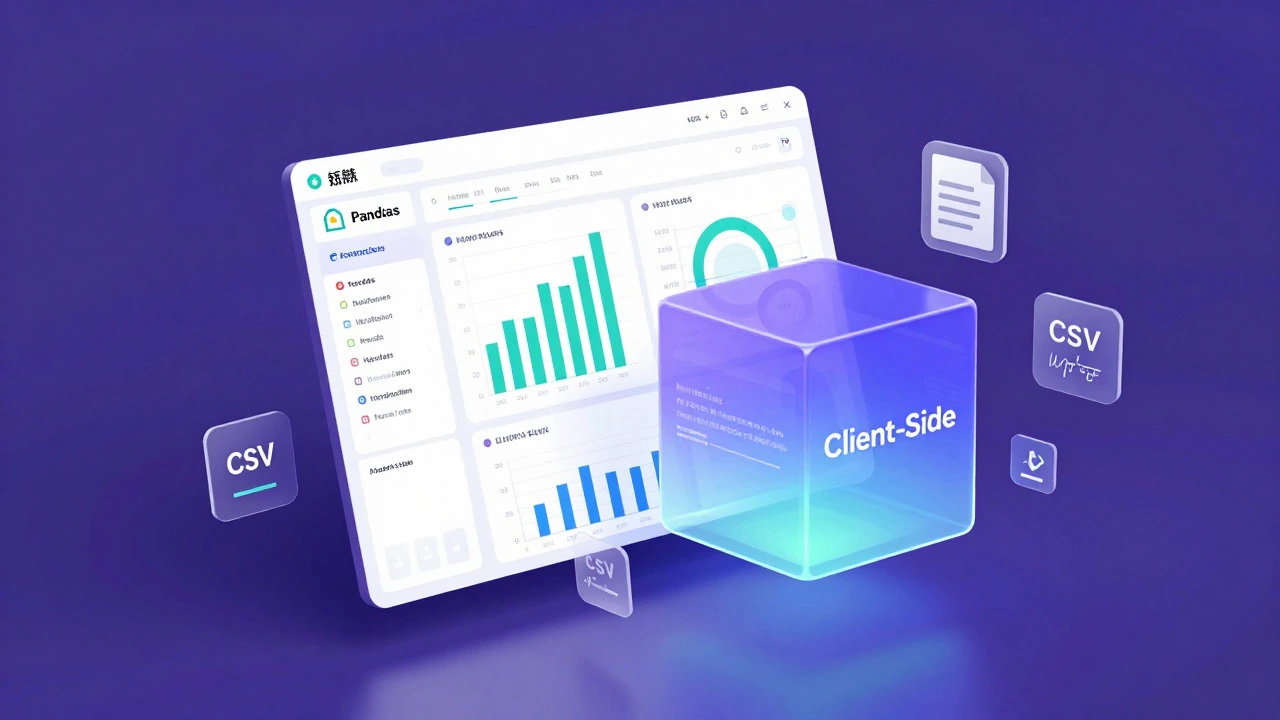
The biggest advantage of using Python is access to its powerful libraries. If you’re building a data visualization dashboard, you can use Pandas to process CSV files directly in the browser. In traditional JavaScript, you’d have to send that data to a backend server, process it, and send it back. With Python in the browser, all that happens client-side, reducing server load and latency for data-heavy applications.
However, the performance cost is real. The initial load time is significantly higher because the browser has to fetch the Python interpreter. For a simple landing page, this overhead is unnecessary. For a complex scientific tool running in a lab setting, it might be acceptable. Also, debugging can be tricky. Stack traces from WebAssembly aren’t always as readable as native JavaScript errors, which can frustrate developers when things break.
Real-World Use Cases
So, who actually uses Python in the browser today? It’s not replacing JavaScript for general-purpose websites like blogs or e-commerce stores. Instead, it shines in specific niches.
- Data Science Education: Platforms like Jupyter Notebooks allow users to run Python cells in their browser. Tools like PyScript enable similar experiences without needing a local installation.
- Scientific Computing: Researchers can build interactive models that run entirely on the user’s machine. This is useful for privacy-sensitive applications where data shouldn’t leave the device.
- Rapid Prototyping: Backend developers who know Python but struggle with JavaScript can quickly create interactive demos without learning a new language.
For example, imagine a biology teacher wanting students to simulate population growth. Instead of setting up a server, they can host a single HTML file that uses Python to calculate the math and render charts using a library like Plotly. Students click a button, and the simulation runs instantly in their Chrome or Firefox browser.
Limitations and Challenges
Despite the excitement, there are significant hurdles. One major issue is compatibility. Not all Python libraries work in the browser. Libraries that rely heavily on C extensions or system-level access may fail unless they’ve been specifically compiled for WebAssembly. You’ll often find yourself stuck with a subset of the Python standard library.
Another challenge is the lack of mature frameworks. While React and Vue dominate the JavaScript world, the Python equivalent is still nascent. Projects like Reflex or Flet are emerging, allowing you to build full-stack apps with Python, but they abstract away much of the direct DOM manipulation. If you want fine-grained control over animations or complex UI interactions, you’ll likely hit walls that JavaScript handles gracefully.
SEO (Search Engine Optimization) is another concern. Search engines primarily index static HTML. If your content is generated dynamically by Python after the page loads, bots might miss it. While modern crawlers are getting better at executing JavaScript, adding another layer of complexity with Python can hurt your visibility if not handled carefully.
Should You Make the Switch?
If you’re a seasoned web developer, probably not. JavaScript is deeply integrated into the web platform. APIs like Fetch, Canvas, and WebSockets are designed with JavaScript in mind. Wrapping them in Python adds abstraction layers that can obscure bugs and reduce performance.
However, if you’re a data scientist, educator, or backend developer looking to bring interactivity to your projects without leaving your comfort zone, Python in the browser is a compelling option. It lowers the barrier to entry for creating rich web experiences. Just remember to manage expectations regarding load times and library support.
The future of the web is becoming more polyglot. With technologies like WebAssembly maturing, we’ll likely see more languages joining the fray. Python is just the first major player to step into the arena. Whether it becomes mainstream remains to be seen, but for now, it offers a unique toolkit for specific problems.
Is PyScript faster than JavaScript?
Generally, no. JavaScript is native to browsers and highly optimized. PyScript uses WebAssembly, which introduces overhead during initialization and execution. However, for CPU-intensive numerical computations, PyScript leveraging libraries like NumPy can sometimes outperform pure JavaScript implementations due to efficient underlying C code.
Can I use Flask or Django with PyScript?
Not directly. Flask and Django are backend frameworks that require a server environment. PyScript runs in the client's browser. However, you can use PyScript to fetch data from a Flask/Django API using HTTP requests, combining the strengths of both worlds.
Does PyScript work on mobile devices?
Yes, PyScript works on modern mobile browsers that support WebAssembly. However, the larger bundle size can impact load times on slower connections, and memory usage might be higher compared to native JavaScript apps.
What is the difference between Brython and PyScript?
Brython translates Python code to JavaScript at runtime, making it lighter but potentially slower for heavy tasks. PyScript uses WebAssembly to run a true Python runtime, offering better performance for computational tasks but with a larger initial download size.
Can I use Python to handle form submissions in HTML?
Yes. You can listen to form events in PyScript and prevent the default submission behavior. Then, you can validate inputs using Python logic and send data to a server via AJAX/fetch requests, just like you would with JavaScript.