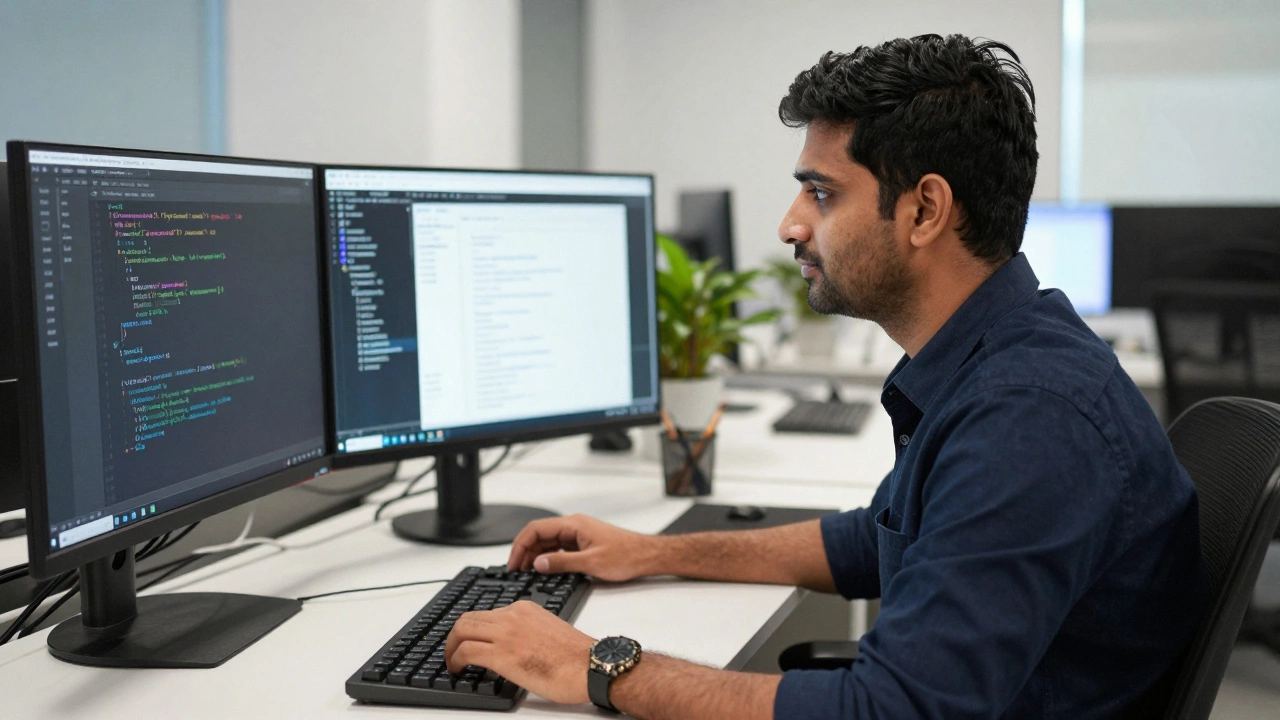
WordPress Career & Salary Estimator
Select your profile below to see estimated earnings and career outlook.
Freelancer
High risk, high rewardAgency
Stability & MentorshipIn-House
Benefits & FocusYou’ve probably heard the joke: "WordPress is just for blogs." If you’re considering making WordPress development your career, that outdated myth might be keeping you on the fence. But here’s the reality check: as of 2026, WordPress powers over 43% of all websites on the internet. That includes massive brands like Sony Music, TechCrunch, and even the White House.
So, is it a good career move? Short answer: yes. Long answer: it depends on how you position yourself. The market isn't looking for people who can just install themes anymore. It wants developers who understand modern JavaScript frameworks, server security, and performance optimization. Let’s break down why this path is still lucrative, where the traps are, and what you actually need to learn to stay relevant.
The Market Reality: Why Demand Isn’t Slowing Down
People often assume that because WordPress is open-source and easy to use, the demand for developers will vanish. The opposite is happening. As businesses realize they own their data when using self-hosted WordPress (unlike Wix or Squarespace), they are migrating away from closed ecosystems. This creates a steady stream of migration projects, custom plugin builds, and maintenance contracts.
| Metric | Data Point |
|---|---|
| Market Share | 43% of all websites globally |
| Avg. Junior Salary (US) | $55,000 - $70,000 |
| Avg. Senior Salary (US) | $95,000 - $130,000+ |
| Freelance Hourly Rate | $40 - $150+ depending on niche |
| Growth Trend | Stable with high demand for Full-Stack WP devs |
The key insight here is specialization. A generalist who knows HTML, CSS, and basic PHP can find work, but the money is in the niches. Think e-commerce with WooCommerce, headless WordPress setups using React or Vue.js, or enterprise-level multisite networks. Companies pay premiums for developers who can solve complex problems, not just tweak colors.
What You Actually Need to Learn (Beyond the Basics)
If you start learning WordPress today, don’t stop at "how to make a post." To build a sustainable career, you need a robust tech stack. The landscape has shifted significantly since the Gutenberg editor update, and it continues to evolve.
- PHP: Still the backbone. You need to understand object-oriented PHP, hooks (actions and filters), and the WordPress API. If you can write secure, efficient plugins, you’re valuable.
- JavaScript & React: Modern WordPress development is heavily tied to JavaScript. The block editor (Gutenberg) is built on React. If you want to create custom blocks or interact with the REST API, you need solid JS skills.
- HTML/CSS/Sass: Front-end styling remains crucial. Understanding responsive design principles and CSS Grid/Flexbox is non-negotiable.
- Database Management: Knowing MySQL/MariaDB helps you optimize queries. Slow sites lose customers; fast sites keep them. Learning how to structure custom tables and optimize database calls sets you apart.
- Server Administration: Understanding Linux basics, Nginx/Apache configuration, and caching mechanisms (Redis, Varnish) makes you a full-stack asset.
Many beginners skip the server side and regret it later. When a site goes down due to a memory limit error or a misconfigured SSL certificate, the client doesn’t care if it’s a "hosting issue." They call you. Being able to troubleshoot these issues increases your billable rate significantly.
Freelance vs. Agency vs. In-House: Choosing Your Path
One of the biggest advantages of WordPress development is flexibility. You aren’t locked into one corporate ladder. However, each path has distinct pros and cons.
Freelancing offers the highest earning potential per hour but comes with instability. You are responsible for finding clients, handling taxes, and managing scope creep. Platforms like Upwork are saturated with low-ball bids, so building a personal brand through a portfolio site and LinkedIn outreach is essential. Successful freelancers often niche down-for example, specializing only in medical practice websites or high-volume e-commerce stores.
Agencies provide stability and mentorship. You’ll work on diverse projects and learn best practices from senior developers. The downside? Lower hourly rates compared to top-tier freelancers, and potentially dealing with inefficient management structures. Agencies are great for breaking into the industry and building a resume.
In-House Roles are becoming more common for larger companies running complex WordPress installations. These roles offer benefits, predictable hours, and deep focus on one product. However, they may require knowledge of other technologies (like Java or .NET) if the company uses a microservices architecture where WordPress is just the content layer.
The "Low Barrier" Trap: How to Stand Out
Critics argue that WordPress has too low a barrier to entry. Anyone can download it and start a site. While true, there’s a massive difference between *using* WordPress and *developing* for it. This gap is your opportunity.
To avoid competing on price, focus on value-added services. Don’t just sell "website creation." Sell "conversion-optimized landing pages," "SEO-structured content architectures," or "secure membership portals." Clients don’t buy code; they buy business outcomes. If you can articulate how your technical decisions impact their bottom line, you become a consultant, not a commodity.
Also, prioritize security. With millions of sites running WordPress, it’s a target for hackers. Offering hardened security audits, regular backup solutions, and malware cleanup services creates recurring revenue streams. Retainers are the holy grail of freelance development-getting paid monthly to maintain a site is far more stable than project-based work.
Future-Proofing Your Career: Headless and AI
Is WordPress dying? No. Is it changing? Absolutely. Two major trends are shaping the future of WordPress development in 2026 and beyond.
Headless WordPress is gaining traction. Instead of serving front-end templates directly, WordPress acts as a content management backend, sending data via API to front-end frameworks like Next.js, Gatsby, or Vue. This setup offers better performance and security. Learning how to build headless architectures makes you highly employable in tech-forward agencies.
AI Integration is also transforming workflows. Tools that generate boilerplate code, suggest SEO improvements, or automate image optimization are becoming standard. Rather than fearing AI, embrace it. Use AI to speed up repetitive tasks, freeing up your time for complex problem-solving and creative design. Developers who leverage AI tools effectively will outpace those who ignore them.
Common Pitfalls to Avoid
Even experienced developers make mistakes early in their careers. Here are three traps to watch out for:
- Over-relying on Page Builders: Tools like Elementor or Divi are great for quick prototypes, but they bloat code and hurt performance. Learn to build custom themes and blocks. Clients will thank you for faster load times.
- Ignoring Accessibility: Web accessibility (WCAG compliance) is no longer optional; it’s a legal requirement in many regions. Building accessible sites from the start protects your clients from lawsuits and expands their audience.
- Poor Communication: Technical skill gets you hired; communication keeps you employed. Learn to explain technical constraints to non-technical clients without jargon. Setting clear expectations upfront prevents most conflicts.
Getting Started: A Practical Roadmap
If you’re ready to dive in, here’s a step-by-step approach to building your career:
- Build a Local Environment: Install LocalWP or Docker to develop sites locally without needing a live server.
- Create Custom Themes: Start by converting static HTML/CSS designs into WordPress themes. Understand the template hierarchy.
- Develop Plugins: Build simple plugins that solve specific problems. Publish them on the WordPress repository to gain visibility.
- Contribute to Core: Join the WordPress Make teams. Contributing to the core software or documentation builds credibility and connects you with industry leaders.
- Network: Attend WordCamps or local meetups. Personal connections often lead to job offers before positions are publicly posted.
The journey from beginner to professional takes time, but the resources available are unparalleled. Documentation, community forums, and open-source codebases mean you never have to guess how something works-you can look at the source.
Do I need to know coding to be a WordPress developer?
Yes, to be a true developer rather than an administrator, you need to know PHP, HTML, CSS, and increasingly JavaScript. While page builders allow non-coders to create sites, development involves customizing functionality, creating plugins, and optimizing performance, which requires coding skills.
How much can a WordPress developer earn?
Salaries vary widely based on location and experience. In the US, junior developers typically earn between $55,000 and $70,000 annually. Senior developers and specialists in areas like headless WordPress or WooCommerce can earn $95,000 to $130,000+. Freelancers can charge $40 to $150+ per hour depending on their niche and reputation.
Is WordPress development still in demand in 2026?
Absolutely. With over 43% market share, WordPress continues to dominate the CMS landscape. Demand is particularly high for developers who can handle modern requirements like headless architectures, performance optimization, and security hardening.
What is the difference between a WordPress designer and developer?
A WordPress designer focuses on the visual appearance, user interface, and layout, often using page builders or pre-made themes. A WordPress developer writes code to create custom themes, plugins, and functionalities, ensuring the site performs well, is secure, and meets specific business needs.
Can I learn WordPress development on my own?
Yes, WordPress has extensive documentation and a large community. Many successful developers are self-taught. Resources like the WordPress Developer Handbook, online courses, and open-source projects provide ample material to learn PHP, JavaScript, and WordPress-specific APIs.