
Coursera Cost & Value Calculator
Your Learning Plan
Recommendation
Best Financial Choice:
Why this choice?
Enter your details and click calculate to see if Coursera Plus or individual subscriptions save you money.
Detailed Cost Breakdown
| Pricing Model | Total Estimated Cost | Includes Certificate? |
|---|---|---|
|
Individual Subscription
Pay monthly per course |
$0 | Yes |
|
Coursera Plus
Annual flat fee ($399) |
$399 | Yes (Most) |
|
Audit Mode
Free access |
$0 | No |
You have spent three weeks watching videos. You finished the quizzes. You even built that small project in Python or Excel. Now you hit the wall: a pop-up asking for $49 to $79 for a certificate. Is it worth it? Or are you just throwing money at a piece of paper?
This is the single biggest question for anyone using Coursera is an online learning platform that offers courses, specializations, and degrees from top universities and companies like Yale, Google, and IBM.. The platform allows you to audit almost any course for free. But if you want the graded assignments, the peer-reviewed projects, and the final certificate, you usually have to pay.
The short answer is: it depends on what you need the certificate for. If you need proof of skills for a job application, yes, it is often worth it. If you just want to learn for fun, probably not. Let’s break down the actual costs, the hidden benefits, and when you should definitely keep your wallet closed.
Understanding the Pricing Models
Before you decide if it is worth it, you need to understand what you are actually buying. Coursera does not have one simple price tag. It has a few different structures, and confusing them can lead to overpaying.
First, there is the Single Course Subscription. This is the monthly fee model. You pay roughly $39 to $79 per month until you finish the course. Most courses take four to six weeks. So, a single course might cost you between $80 and $150 total if you finish quickly. The key here is speed. If you drag it out for six months, you pay six times more.
Second, there is Coursera Plus is a subscription service that gives access to over 7,000 courses, specializations, and professional certificates for a flat annual fee of approximately $399.. This is the game-changer for many learners. If you plan to take two or three courses in a year, this pays for itself immediately. It includes most Professional Certificates (like those from Google Project Management or Meta Front-End Developer) and Specializations. However, it typically excludes full university degrees and some master’s track courses.
Third, there are Full Degrees and MasterTrack Certificates. These are expensive. We are talking thousands of dollars. They are accredited academic credentials. Unless you are specifically looking for a formal degree upgrade and cannot afford a traditional campus program, these are niche products. For most people asking "is it worth it," we are talking about the first two options.
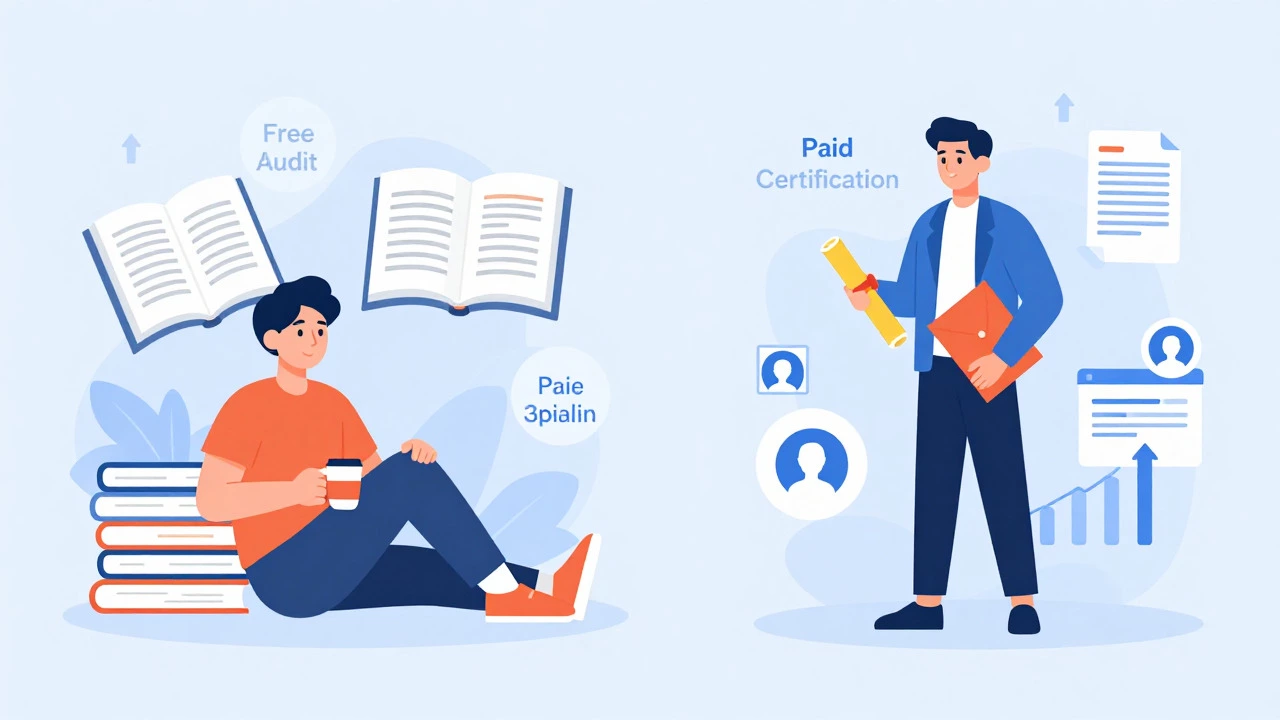
The Free Audit Option: What You Miss Out On
You do not have to pay anything to start learning. Every course on Coursera has an "Audit" option. It is often hidden behind a small link that says "Audit this course" near the enroll button. When you choose this, you get:
- Access to all video lectures.
- Access to reading materials and articles.
- Access to discussion forums (sometimes).
So, why would anyone pay? Here is what you lose when you audit for free:
- No Graded Assignments: You cannot submit homework. This means no feedback on whether you actually understood the material.
- No Peer Reviews: Many courses require you to review other students' work and have yours reviewed. This is crucial for soft skills like writing or design. Auditors miss this entirely.
- No Certificate: You get nothing to show for your time at the end.
- Limited Access: Some newer content or specific project-based modules may be locked.
If you are self-disciplined and just want knowledge, auditing is fine. But if you need accountability and validation, the free version falls short.
Does the Certificate Actually Help Your Career?
This is the core of the "worth it" debate. Does putting "Google Data Analytics Professional Certificate" on your LinkedIn profile get you hired?
For entry-level roles, yes. Hiring managers use keywords to filter resumes. If a job description asks for "SQL" or "Project Management," having a recognized certificate proves you have touched those tools. It signals initiative. It shows you took the time to learn outside of your job or school.
However, it is not a magic bullet. A certificate from Coursera will not replace years of experience. It also does not guarantee a job. In 2026, the market is crowded. Everyone has a certificate. What matters is how you talk about the skills you gained during the course.
Look at the source. A certificate from a top-tier university like Stanford or Imperial College London carries more weight than a generic course from an unknown institution. Similarly, industry-backed certificates from companies like Google, IBM, or Meta are highly valued because they are designed by the people who hire for those roles. They teach the tools currently used in the industry, not outdated theory.
| Credential Type | Typical Cost | Career Impact | Best For |
|---|---|---|---|
| Professional Certificate | $39-$79/month or included in Plus | High for entry-level jobs | Career switchers, beginners |
| Specialization | $39-$79/month | Medium; shows depth in a topic | Skill upskilling |
| University Degree | $5,000 - $20,000+ | High; accredited academic credit | Academic advancement |
| Audit (Free) | $0 | Low; no proof of completion | Personal interest, hobbyists |
When Coursera Is Definitely Not Worth It
There are scenarios where paying for Coursera is a waste of money. Recognizing these early saves you cash.
First, if you are already an expert in the field. If you have five years of experience as a Java developer, taking a "Java Basics" course for a certificate adds little value. Your GitHub portfolio and work history speak louder. Use the free audit mode if you just want a refresher on syntax.
Second, if you are prone to procrastination. Coursera operates on a subscription model. If you pay $49 a month and only study for two hours a week, you will burn through $200 before finishing a six-week course. In this case, the financial cost outweighs the educational benefit. Stick to free resources like YouTube tutorials or documentation until you build consistent habits.
Third, if you need immediate, hands-on technical support. Coursera is largely self-paced with peer review. You do not get a tutor answering your questions instantly. If you learn best through direct interaction with an instructor, a live bootcamp or a local workshop might be a better investment, despite being more expensive.
How to Maximize Your ROI
If you decide to pay, make sure you get your money's worth. Here is how to approach it strategically.
Use Financial Aid. Coursera has a robust financial aid program. If you cannot afford the subscription, you can apply for aid. It takes about 15 days to process. You simply write a short essay explaining why you need the aid and how the course will help your career. Approval rates are high. This makes the course effectively free.
Bundle with Coursera Plus. If you know you want to take multiple courses, calculate the math. If you buy two individual subscriptions at $50/month each, that’s $100. Coursera Plus is $399/year. If you take three or four courses, Plus is cheaper. Plus, it removes the pressure of monthly deadlines. You can learn at your own pace without worrying about the recurring charge.
Focus on Projects, Not Just Videos. The value comes from doing. Build the projects required for the certificate. Put them on GitHub or your portfolio site. When you interview, don’t just say "I took a Coursera course." Say, "I built a data visualization dashboard using Tableau as part of my certification." Concrete examples beat abstract certificates every time.
Alternatives to Consider
Coursera is not the only player in town. Depending on your goals, another platform might offer better value.
edX is another major online learning platform founded by Harvard and MIT, offering similar courses and verified certificates. edX often feels more academic. If you prefer university-style rigor, edX might be a better fit. Their pricing is similar, with free audit options and paid verified tracks.
Udemy is a marketplace for individual courses sold at fixed prices, often discounted to $10-$20. Udemy is great for specific, practical skills like "Learn React in 10 Hours." You buy the course once, and you have lifetime access. There is no monthly subscription. However, quality varies wildly because anyone can create a course. Coursera and edX have higher barriers to entry for instructors, ensuring a baseline of quality.
LinkedIn Learning is a platform integrated with LinkedIn profiles, offering short courses focused on business and creative skills. If your goal is purely corporate upskilling and you want the certificate to auto-post to your LinkedIn profile, this is convenient. Many libraries offer free access to LinkedIn Learning, making it a zero-cost option.
Final Verdict
Is paid Coursera worth it? For most professionals looking to pivot careers or add hard skills to their resume, yes. The combination of structured curriculum, reputable branding, and verifiable credentials provides a solid return on investment. The key is to treat it as a tool for building a portfolio, not just collecting badges.
If you are unsure, start with the free audit. See if the teaching style works for you. If you find yourself wanting to complete the projects and share the achievement, then invest in the subscription or apply for financial aid. Do not pay for the sake of paying. Pay for the outcome: a new skill, a completed project, and a stronger professional profile.
Can I get a Coursera certificate for free?
Yes, but not directly. You can apply for Financial Aid, which grants you full access to the course and certificate for free if approved. Alternatively, you can audit the course for free, but you will not receive a certificate. Some public libraries also offer free access to Coursera Plus through partnerships.
Do employers recognize Coursera certificates?
Many employers do, especially for entry-level positions or when the certificate is from a well-known partner like Google, IBM, or a top university. While it may not guarantee a job, it demonstrates initiative and foundational knowledge. It is most effective when combined with practical projects and relevant work experience.
What is the difference between Coursera and Coursera Plus?
Coursera charges per course or specialization on a monthly subscription basis. Coursera Plus is an annual subscription that gives you unlimited access to over 7,000 courses and specializations. If you plan to take multiple courses in a year, Coursera Plus is significantly cheaper and more flexible.
How long does it take to finish a Coursera course?
Most individual courses are designed to be completed in 4 to 6 weeks, assuming you spend 5 to 10 hours per week. Specializations consist of multiple courses and can take 3 to 6 months. However, since most courses are self-paced, you can finish faster or slower depending on your schedule.
Is Coursera better than Udemy?
It depends on your needs. Coursera is better for academic rigor, recognized certifications, and structured specializations from universities and top companies. Udemy is better for specific, practical skills taught by industry practitioners, often at a lower one-time cost. Choose Coursera for career pivots and credentials; choose Udemy for quick, targeted skill acquisition.