WordPress isn’t just a website builder-it’s a full-stack system that handles both what users see and what runs behind the scenes. But if you’ve ever asked, Is WordPress frontend or backend?, you’re not alone. Many beginners assume it’s one or the other. The truth? It’s both-and understanding how it splits those roles is key to working with it effectively.
What the Frontend Actually Is in WordPress
The frontend is everything a visitor sees when they open your site: the layout, colors, buttons, images, fonts, and how everything moves or reacts. In WordPress, this is mostly handled by themes and page builders. When you install a theme like Astra, OceanWP, or GeneratePress, you’re loading a set of frontend files-HTML, CSS, and JavaScript-that tell the browser how to display content.
These themes don’t create the content itself. They just dress it up. If you write a blog post in the WordPress editor, the text, headings, and media you add get stored in the database. The theme then pulls that data and formats it into a clean, readable page. That’s the frontend in action.
Customizing the frontend doesn’t require touching PHP or databases. You can change fonts with the WordPress Customizer, drag elements around with Elementor, or tweak colors with a few clicks. That’s why so many people think WordPress is just a drag-and-drop tool. But that’s only half the story.
What the Backend Actually Is in WordPress
The backend is where the magic happens behind the scenes. It’s the part you access when you log in to yourwebsite.com/wp-admin. This is powered by PHP, MySQL, and WordPress core files. The backend handles everything the user never sees: saving posts, managing users, processing forms, connecting to plugins, and querying the database.
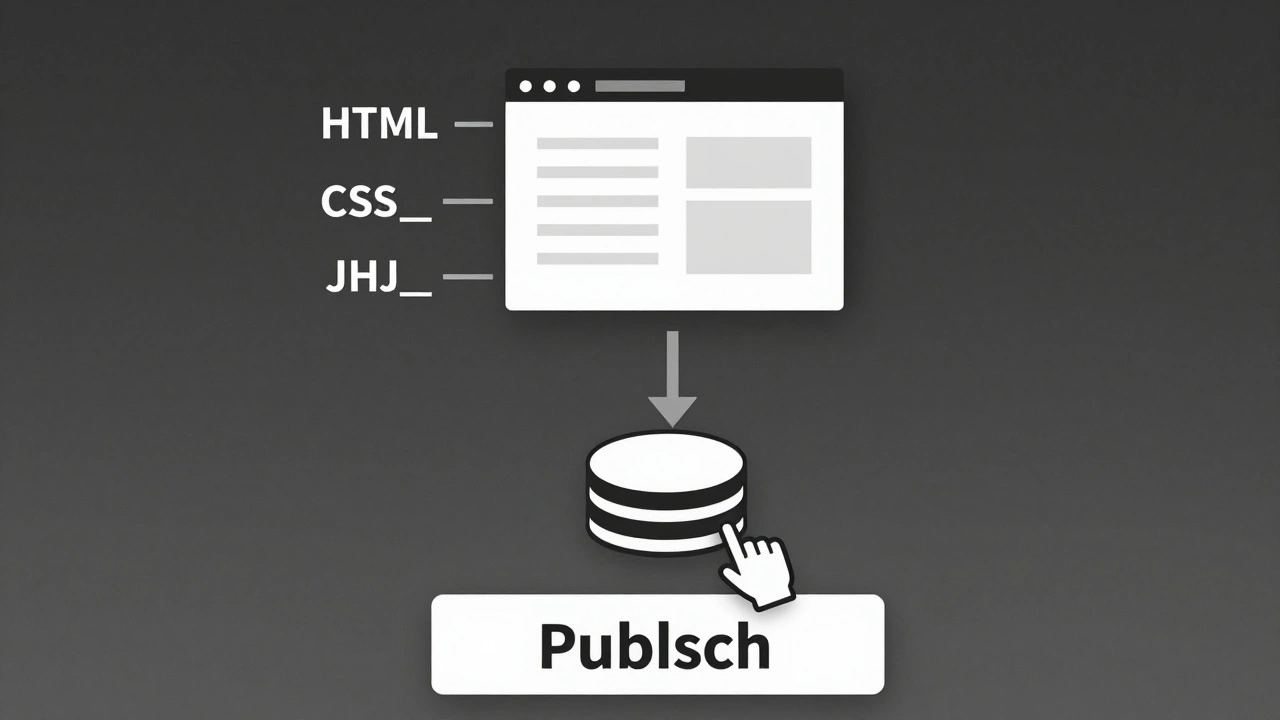
When you click ‘Publish’ on a blog post, the backend takes your text, saves it into a MySQL table called wp_posts, assigns it a unique ID, links it to categories and tags, and updates the site’s cache. Plugins like WooCommerce or WPForms run their logic here too-handling payments, storing customer data, validating inputs-all invisible to visitors.
Even your theme’s functionality often relies on backend code. For example, if your theme has a custom menu system or dynamic sidebar, it’s using PHP functions like register_nav_menus() or dynamic_sidebar() to make those features work. That’s backend development.
How WordPress Connects Frontend and Backend
WordPress doesn’t keep frontend and backend separate like some modern frameworks. Instead, it blends them tightly. The backend generates the frontend dynamically. Every time someone visits your homepage, WordPress runs PHP code that fetches data from the database, applies theme templates, and outputs HTML to the browser.
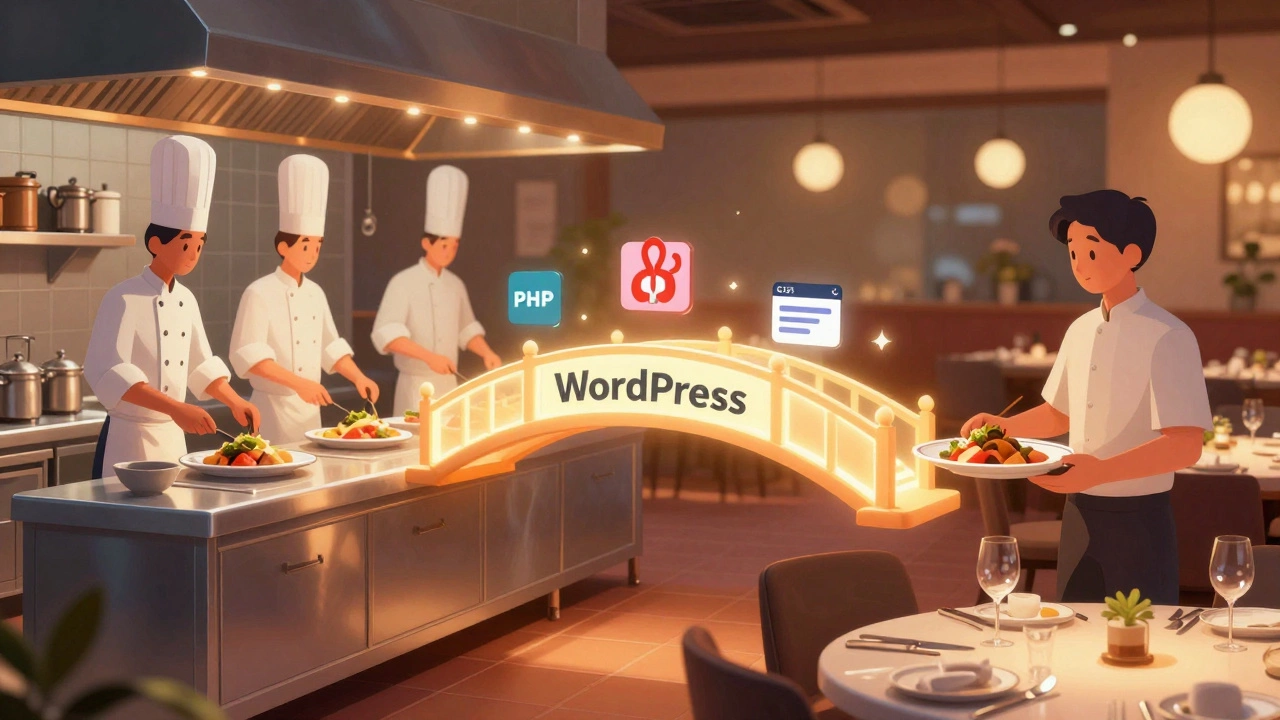
Think of it like a restaurant kitchen and dining room. The kitchen (backend) prepares the food using recipes, ingredients, and staff. The dining room (frontend) serves it to customers with plates, napkins, and lighting. You don’t see the kitchen, but without it, there’s no meal.
WordPress uses templates like single.php, index.php, and header.php to link the two. These PHP files are the bridge-they pull content from the backend (database) and format it using HTML and CSS for the frontend. When you edit a theme file, you’re working on both sides at once.
When You’re Working on Frontend vs. Backend
Here’s how to tell which side you’re on:
- You’re on the frontend if you’re changing fonts, colors, spacing, images, or layout using the Customizer, Gutenberg, or a page builder.
- You’re on the backend if you’re editing PHP files, writing custom queries, creating plugins, modifying database tables, or debugging server errors like 500 Internal Server Errors.
For example, if you want to add a custom button that says ‘Get Started’ and style it with a gradient, you’re doing frontend work-you’re using CSS. But if you want that button to trigger a form submission that saves data to the database, you need PHP and WordPress hooks like wp_ajax_ or wp_insert_post(). That’s backend.
Even something as simple as a contact form involves both. The form you see? Frontend. The part that emails you when someone submits it? Backend.
Why This Mix Matters for Developers
Because WordPress combines frontend and backend, it’s easy to get confused about where to make changes. A common mistake is editing theme CSS files to fix a layout issue that’s actually caused by a plugin generating wrong HTML. Or trying to fix a broken feature by installing a new theme, when the real problem is a corrupted database entry.
Knowing the difference helps you troubleshoot faster. If your site loads slowly, check the backend: maybe a plugin is making too many database calls. If your site looks broken on mobile, check the frontend: maybe the CSS isn’t responsive.
Advanced users build custom themes and plugins that require deep backend knowledge. They write PHP functions to fetch posts, create custom post types, or integrate with third-party APIs. But they still rely on frontend tools to make those features look good.
Can You Use WordPress Without Touching the Backend?
Yes-most people do. You can build a full website using only the WordPress dashboard, Gutenberg blocks, and pre-made themes. No coding needed. Thousands of small businesses, bloggers, and portfolio sites run perfectly fine this way.
But if you want to do anything beyond basic layouts-like adding custom forms, user logins, e-commerce features, or dynamic content-you’ll eventually need to dip into the backend. Plugins like Advanced Custom Fields or Elementor Pro hide some of this complexity, but they’re still running PHP and SQL behind the scenes.
Think of it like driving a car. You don’t need to know how the engine works to drive it. But if the engine starts making noise, you need someone who understands mechanics.
What About Headless WordPress?
Headless WordPress is changing how people think about frontend and backend. In this setup, WordPress acts only as a content repository (backend) and delivers data via REST API or GraphQL. The frontend is built separately-with React, Vue, or Next.js.
This separates the two completely. You still use WordPress to write and manage content, but the website you see is powered by a different system. It’s popular with agencies building high-performance sites or apps that need fast loading times.
But even here, WordPress is still the backend. The frontend just doesn’t use its themes or templates anymore.
Final Answer: Is WordPress Frontend or Backend?
WordPress is both. It’s a full-stack platform that handles content creation, storage, and delivery in one system. The frontend is what visitors see-the design, layout, and interactivity. The backend is what powers it-the code, database, and logic.
You can use WordPress as a frontend-only tool if you stick to themes and page builders. But its real power comes from the backend. Without PHP, MySQL, and WordPress core, it wouldn’t be able to do anything beyond static HTML.
Don’t think of it as frontend or backend. Think of it as frontend and backend-working together.
Can I build a website with WordPress without writing any code?
Yes. You can build a fully functional website using only the WordPress dashboard, pre-made themes, and page builders like Elementor or Divi. No coding is required for basic layouts, text, images, menus, or contact forms. Most small business sites and blogs are built this way.
Do I need to learn PHP to use WordPress?
No, you don’t need to learn PHP to use WordPress for basic tasks. But if you want to customize themes deeply, create plugins, fix complex bugs, or optimize performance, PHP becomes essential. Many developers start with visual tools and learn PHP later when they hit limits.
Is WordPress slow because it’s both frontend and backend?
Not necessarily. WordPress can be fast if optimized properly. Slowness usually comes from too many plugins, poor hosting, unoptimized images, or lack of caching-not because it combines frontend and backend. Many high-traffic sites like The New Yorker and BBC America run on WordPress with excellent performance.
What’s the difference between a WordPress theme and a plugin?
A theme controls how your site looks and feels-the frontend layout, colors, fonts, and structure. A plugin adds new features or functionality, like contact forms, SEO tools, or e-commerce. Themes affect appearance; plugins affect behavior. Both rely on backend code to work, but only themes directly shape what users see.
Can I switch themes without losing my content?
Yes. Your content-posts, pages, images, comments-is stored in the database, not in the theme. Switching themes only changes how that content is displayed. You might need to reconfigure widgets or menus, but your text and media stay intact. This is why WordPress makes it easy to test new designs without starting over.