
Website Hosting Cost Comparison Calculator
Your Business Details
Cost Comparison Results
Based on your inputs, here's what we've calculated:
How much time do you really want to spend fixing server crashes, updating software, or dealing with a hacked website? If you’re running a small business, a personal blog, or even an online portfolio, asking should I pay someone to host my website? isn’t a sign of laziness-it’s a smart business decision.
What does website hosting actually mean?
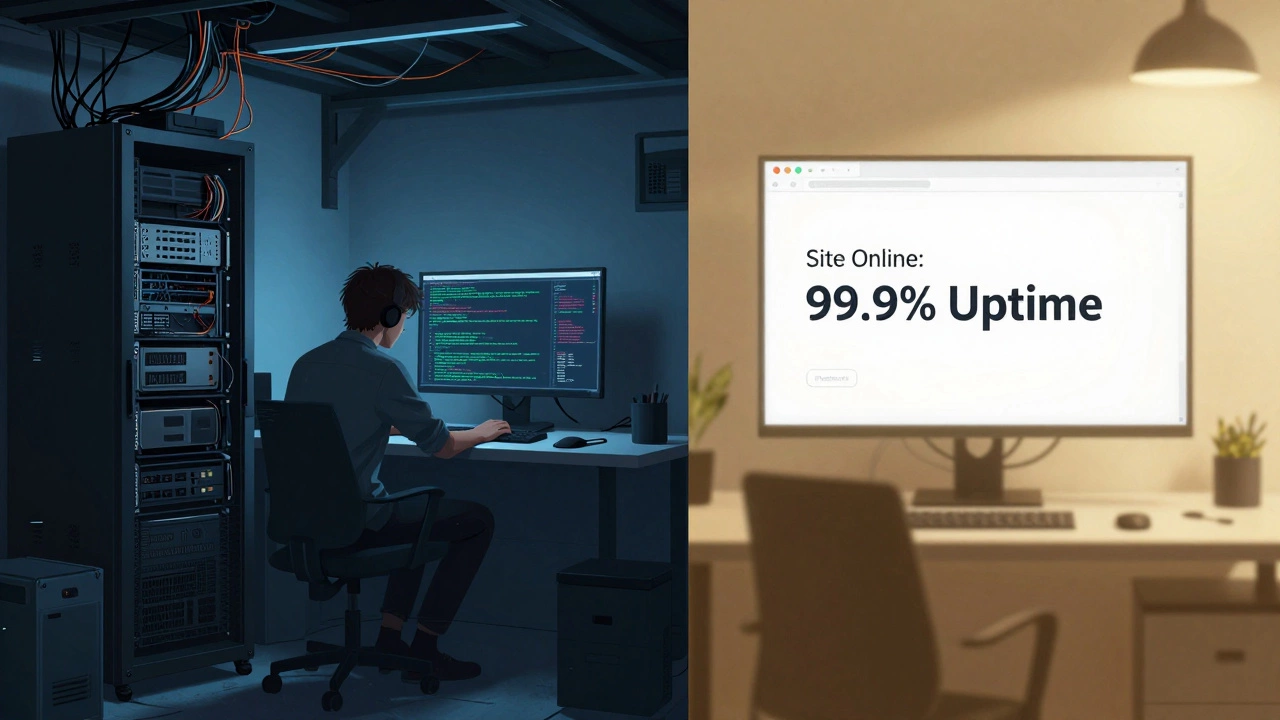
Website hosting is like renting space for your website on a computer that’s always online. When someone types your address into their browser, that computer sends your site back to them. You can do this yourself by buying a server, installing software, and keeping it running 24/7. Or you can pay a company to do it for you.
Most people don’t realize how many things go wrong behind the scenes. A server can crash because of a traffic spike. Your site can get hacked if software isn’t updated. Emails might stop working because the mail server misconfigured. These aren’t rare problems-they happen every day to people who try to self-host.
Why paying for hosting saves you time (and stress)
Let’s say you’re a freelance graphic designer. You built your own website using WordPress. You’re proud of it. But last week, your site went down for six hours because you forgot to update a plugin. You missed three client calls. That’s three hours of lost work and a client who now thinks you’re unreliable.
Managed hosting services handle all of that for you. They automatically update software, scan for malware, back up your site daily, and restore it if something breaks. You don’t need to know what a cron job is or how to fix a MySQL error. You just log in and work on your designs.
According to a 2025 survey by Web Hosting Stats, 78% of small business owners who switched to managed hosting reported fewer than two downtime incidents per year. Those who self-hosted had an average of 11.
How much does it really cost?
You might think paying for hosting is expensive. But here’s the math:
- A basic shared hosting plan costs $3-$8/month. That’s less than your daily coffee.
- A managed WordPress plan runs $15-$30/month. It includes security, backups, and 24/7 support.
- Buying a server? $500-$1,500 upfront. Plus electricity, cooling, internet, and your time fixing it.
Time is money. If you’re earning $25/hour as a freelancer, spending 4 hours a month troubleshooting hosting issues equals $100 in lost time. That’s more than double the cost of managed hosting.
And if your site goes down during peak sales season? One hour of downtime on an e-commerce site can cost $5,000-$10,000 in lost sales, according to Gartner.
What you get when you pay for hosting
When you pay for professional hosting, you’re not just paying for server space. You’re buying:
- Automatic updates - No more worrying about outdated plugins or WordPress versions.
- 24/7 monitoring - If your site crashes at 3 a.m., they fix it before you wake up.
- Free SSL certificates - Your site gets the padlock icon that builds trust with visitors.
- Daily backups - One click restores your site if you accidentally delete your homepage.
- Malware scanning and removal - No more blacklisting by Google or browser warnings.
- One-click installs - WordPress, WooCommerce, or Joomla? Set up in under a minute.
- Expert support - Real humans, not chatbots, who know how to fix your site.
These aren’t marketing buzzwords. They’re features that keep your site alive, secure, and fast.
When self-hosting might make sense
There are exceptions. If you’re a developer who needs full control over server settings, or if you’re running a high-security internal tool with strict compliance rules, self-hosting might be right for you.
But even then, most developers use cloud platforms like AWS or Google Cloud-not a physical server in their basement. Why? Because those platforms still offload the heavy lifting: scaling, security patches, and network reliability.
For 95% of people-bloggers, small businesses, artists, coaches, local shops-self-hosting is like trying to build your own car engine when you just need to get to work.
What happens if you don’t pay for hosting?
Let’s say you use a free hosting service or a cheap shared plan with no support. Here’s what often happens:
- Your site loads slowly because you’re sharing a server with 500 other sites.
- You get locked out because your password was weak and someone brute-forced it.
- Google flags your site as unsafe, and your traffic drops by 80%.
- You lose all your content because there’s no backup.
- You spend weeks trying to fix it, only to give up and start over.
One client I worked with in Bangalore lost his entire online store after a free hosting provider shut down without notice. He had no backups. No support. No way to recover. He lost six months of sales and had to rebuild from scratch.
How to choose the right hosting service
You don’t need the most expensive plan. You need the right fit:
- Start with managed WordPress hosting if you use WordPress (most people do). Providers like Kinsta, SiteGround, or WP Engine are reliable.
- Look for uptime guarantees of at least 99.9%. Anything less means your site could be down 8+ hours a year.
- Check support hours - Do they offer 24/7 live chat or phone support? Or just email tickets that take days?
- Ask about backups - Are they automatic? How many versions are saved? Can you restore with one click?
- Read real reviews - Not the ones on the hosting company’s website. Look on Trustpilot or Reddit.
For most users in India, SiteGround and Hostinger offer great value. Both have data centers in Singapore, which means faster load times for users across Asia.
Bottom line: Paying for hosting isn’t an expense-it’s insurance
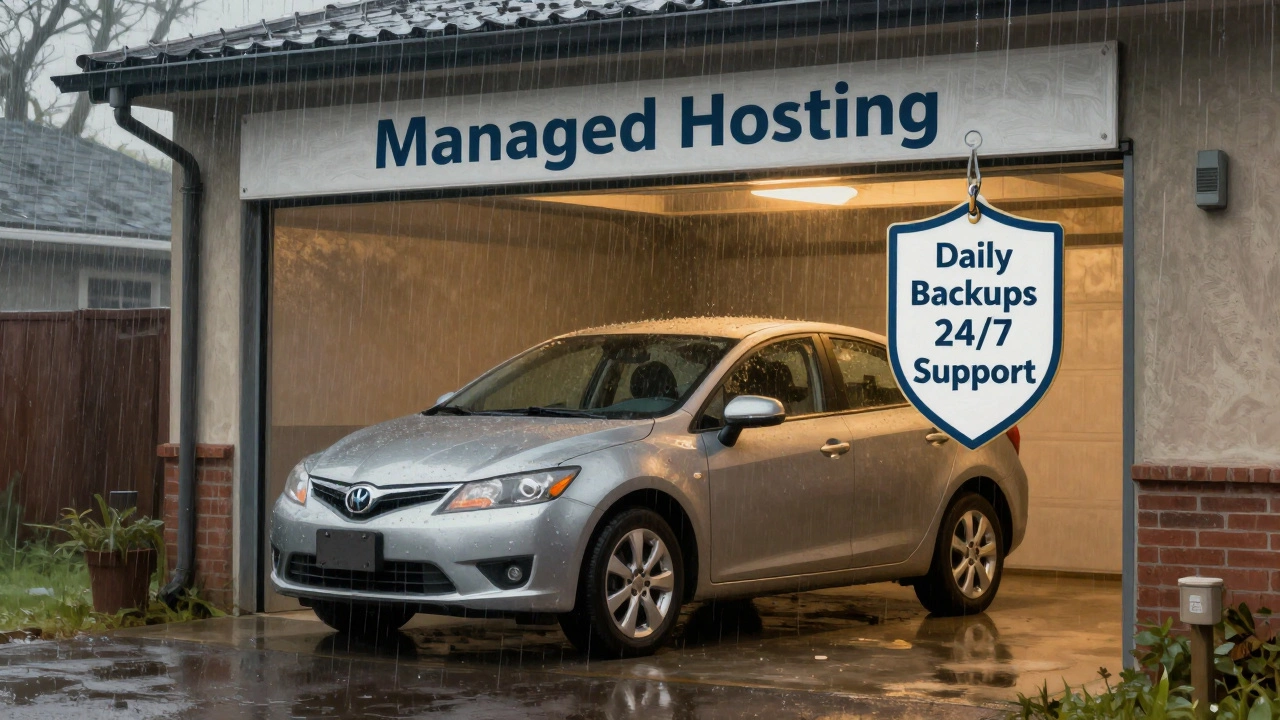
Think of hosting like car insurance. You hope you never need it. But if you get into an accident, you’re glad you had it.
Paying someone to host your website means you stop being a tech support worker and start being the person you want to be-whether that’s a designer, teacher, entrepreneur, or artist. You stop worrying about servers and start focusing on your work.
The cost is small. The risk of not doing it? Huge.
Is it cheaper to host my own website?
It might seem cheaper at first, but it rarely is. Buying hardware costs $500-$1,500 upfront. Then there’s electricity, internet, cooling, and your time. Most people spend 5-10 hours a month fixing issues. At $25/hour, that’s $125-$250/month-more than managed hosting. Plus, you risk losing data or sales if your site goes down.
Can I use free hosting for my business website?
Absolutely not. Free hosting services often show ads on your site, limit your storage and bandwidth, and don’t offer support. If your site crashes, you’re on your own. Many free hosts also block custom domains or take ownership of your content. For any business or professional use, free hosting is a liability, not a savings.
Do I need technical skills to use paid hosting?
No. Managed hosting services are designed for non-technical users. You get a simple dashboard to install WordPress, upload files, or restore backups. Support teams handle security updates, server issues, and malware. You don’t need to touch code or command lines.
What’s the difference between shared hosting and managed hosting?
Shared hosting puts your site on a server with hundreds of others. It’s cheap but slow and insecure. Managed hosting gives you optimized servers, automatic updates, daily backups, and expert support. It’s built specifically for platforms like WordPress and includes security and performance features you won’t find on shared plans.
Will my website be faster if I pay for hosting?
Usually, yes. Paid hosting providers invest in faster servers, SSD storage, and content delivery networks (CDNs). They also optimize server settings for your platform. Free or cheap hosts often overbook servers, leading to slow load times. A fast site keeps visitors engaged and improves your Google ranking.
What happens if my hosting provider goes out of business?
Reputable hosting companies have backup systems and financial stability. But to be safe, always use a host that offers daily automated backups-and download a copy of your site every few months. If a host shuts down, you’ll need to move quickly. Most offer migration tools, and many competitors will help you move for free.