WordPress Tutorial: Learn to Build Websites Without Coding
When you start a WordPress, a free, open-source content management system that powers over 43% of all websites on the internet. Also known as WP, it lets anyone create a website—from a blog to an online store—without writing a single line of code. You don’t need a degree, a designer, or a developer. Just a browser and a little time.
What makes WordPress so powerful is how it connects to other tools. It works with themes, pre-built designs you can install in seconds and plugins, add-ons that add features like contact forms, SEO tools, or e-commerce. You can turn a blank page into a functioning website in under an hour. That’s why teachers, small business owners, and even freelancers use it. It’s not just for tech people. If you can click, you can build.
Most people start with WordPress because they want control. They’re tired of paying someone to make changes. Or they want to update their blog without waiting for a developer. With WordPress, you edit text, upload photos, and rearrange pages yourself. No back-and-forth emails. No hourly fees. And if you get stuck? There are thousands of free guides, videos, and forums waiting to help. You don’t need to be perfect. You just need to start.
The posts below cover real paths people took—from total beginners to building sites that earn money. You’ll find guides on choosing your first theme, installing plugins without breaking your site, and even how to make your WordPress site faster. Some posts talk about using WordPress for blogs, others for portfolios or online shops. There’s no one-size-fits-all, but there’s a clear path for anyone willing to try.
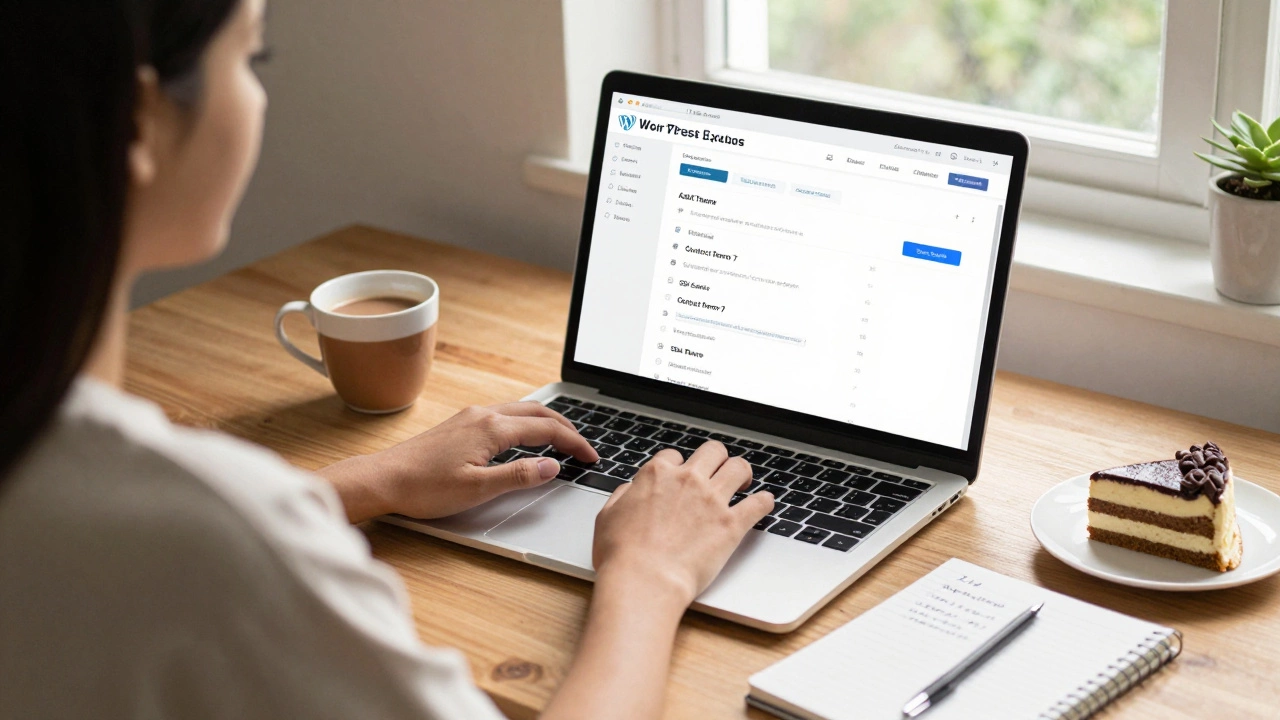
Can I Learn WordPress in 3 Days?
Yes, you can learn WordPress in 3 days - enough to build a live website without coding. Learn how to set up, design, and launch a site using free tools and simple steps.

How Hard Is It to Learn WordPress Development?
Learning WordPress development isn't as hard as it seems. With basic HTML, CSS, PHP, and a few tools, you can build custom websites without relying on plugins. Start small, practice consistently, and you'll be building professional sites in months.