
ADDIE Model Interactive Guide
Click on a stage below to explore its primary goals, key outputs, common pitfalls, and practical tips.
Analysis
Design
Development
Implementation
Stage 1: Analysis
Who are you teaching?Primary Goal
Identify gaps & goals
Key Output
Learner Persona, Needs Assessment
Assuming everyone knows nothing
💡 Practical Tip
Interview at least five potential learners. Ask them what frustrates them about current training methods.
You’ve probably seen courses that look pretty but leave you bored after ten minutes. Or maybe you’ve built a module that’s packed with content, yet students still drop out halfway through. The problem usually isn’t the technology or the budget. It’s skipping steps in the eLearning process of delivering education via digital devices and networks. If you want courses that actually stick, you need to respect the four distinct phases of creation: Analysis, Design, Development, and Implementation. Most people rush straight to building slides, but that’s where mistakes happen.
The Foundation: Why Structure Matters
Think about the last time you tried to cook a complex meal without reading the recipe first. You might have all the ingredients, but without a plan, the result is chaos. Instructional Design the systematic process of creating effective learning experiences works the same way. The four-stage model isn’t just corporate jargon; it’s a safety net. It ensures you’re solving the right problem before you spend weeks animating graphics. Skipping this structure leads to "content dumps"-libraries of PDFs and videos that nobody watches. By following these stages, you align your effort with actual learner needs, not just what you think they should know.
| Stage | Primary Goal | Key Output | Common Pitfall |
|---|---|---|---|
| Analysis | Identify gaps & goals | Learner Persona, Needs Assessment | Assuming everyone knows nothing |
| Design | Plan the experience | Storyboard, Learning Objectives | Overloading with too much info |
| Development | Build the assets | Interactive Modules, Quizzes | Ignoring mobile compatibility |
| Implementation | Launch & support | Live Course, Feedback Loop | No post-launch maintenance |
Stage 1: Analysis - Who Are You Teaching?
This is the detective phase. Before you write a single word of copy, you need to answer three hard questions. First, who is the learner? A college student studying history has different tech habits than a mid-level manager needing compliance training. Second, what do they already know? If your audience consists of experts, starting from zero feels patronizing. Third, what is the real problem? Maybe sales are down not because reps don’t know the product, but because they lack negotiation confidence. Identifying this gap saves you from building a course on product specs when you really needed a role-play simulation. This stage defines the scope so you don’t drift into irrelevant topics later.
Stage 2: Design - Mapping the Journey
Once you know the destination, you map the route. In the Design stage, you create the blueprint. This involves writing clear Learning Objectives specific statements describing what learners will be able to do. Use action verbs like "calculate," "demonstrate," or "identify." Avoid vague terms like "understand" or "know," which are impossible to measure. Next, structure the content. Should it be linear, like a story? Or modular, letting users jump around? Storyboarding is crucial here. Sketch out how each screen looks and flows. Decide where interactions happen. Will there be drag-and-drop activities? Branching scenarios? This is also where you decide on the tone. Is it formal and academic, or casual and conversational? Consistency here prevents cognitive load issues for the user.
Stage 3: Development - Building the Assets
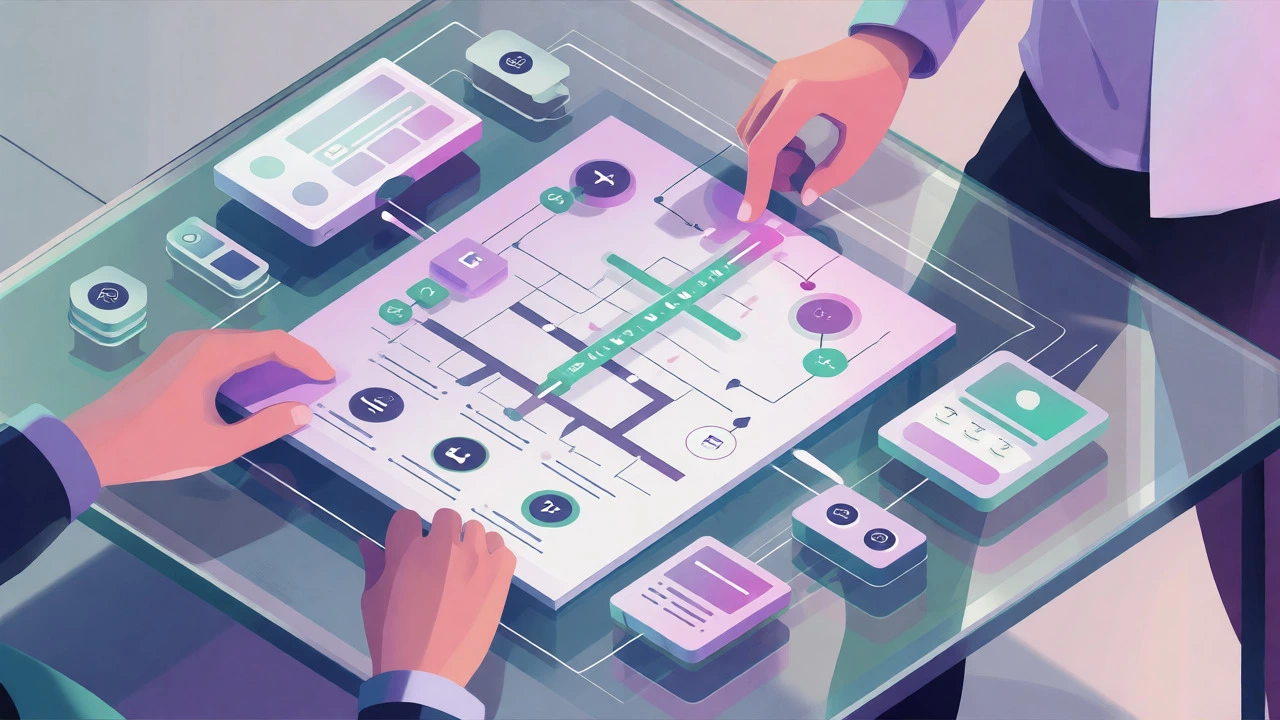
Now you get your hands dirty. Development is where ideas turn into clickable reality. You’ll use authoring tools like Articulate Storyline or Adobe Captivate to build interactive modules. But remember, more features don’t equal better learning. Focus on clarity. If a button does something important, make it obvious. If text is small, increase it. Mobile responsiveness is non-negotiable in 2026; over 60% of learners access courses on phones. Test your prototypes early. Don’t wait until the final build to check if audio syncs with video. Include assessments that actually test the objectives defined in Stage 2. If the objective was to "identify errors," the quiz shouldn’t ask for definitions. Keep the interface clean. Clutter distracts from the core message.
Stage 4: Implementation - Launch and Iterate
Building the course doesn’t mean you’re done. Implementation is about getting it into the hands of learners and keeping it alive. This involves uploading content to your LMS a software application for administration, documentation, tracking, reporting, and delivery of educational courses, setting up user accounts, and communicating the launch. But the biggest mistake here is treating the launch as the finish line. Real learning happens during usage. Monitor analytics. Where do people drop off? Which quizzes have the highest failure rates? Gather feedback directly from users. Did they find the navigation intuitive? Was the pacing too fast? Use this data to tweak the course. An eLearning module is never truly "finished"; it evolves based on real-world usage patterns.

Connecting the Dots: Why Skipping Stages Hurts
Imagine skipping the Analysis stage. You build a beautiful app for teaching Python. But it turns out your target audience was actually looking for Excel macros. You wasted months of development time. Now imagine skipping Design. You start coding immediately, adding every fact you know. The result is a 45-minute video with no breaks. Learners zone out. Each stage acts as a quality gate. Analysis ensures relevance. Design ensures structure. Development ensures usability. Implementation ensures adoption. When one link breaks, the whole chain fails. This iterative approach reduces waste and increases return on investment for both educators and businesses.
Practical Tips for Each Phase
To help you navigate these stages, here are some actionable heuristics:
- In Analysis: Interview at least five potential learners. Ask them what frustrates them about current training methods.
- In Design: Apply the "Chunking" rule. Break information into bite-sized pieces, no longer than 5-7 minutes per section.
- In Development: Always provide captions for videos. Accessibility isn’t just legal compliance; it helps comprehension in noisy environments.
- In Implementation: Create a quick-start guide. Even if your UI is intuitive, a 3-step PDF helps reduce support tickets.
Frequently Asked Questions
Can I skip the Analysis stage if I already know my audience?
You can streamline it, but don't skip it entirely. Assumptions change. Conduct a brief survey or review recent performance data to confirm that the learning gap hasn't shifted. Spending two days on analysis can save weeks of rework later.
What tools are best for the Development stage?
It depends on your complexity needs. For rapid prototyping, PowerPoint with plugins works well. For advanced interactivity, Articulate Storyline or Adobe Captivate are industry standards. For simple video-based learning, Camtasia combined with an LMS integration is often sufficient.
How long should each stage take?
There is no fixed rule, but a common ratio is 20% Analysis, 30% Design, 40% Development, and 10% Implementation. However, if your content is highly technical, Analysis may take longer. If it's visually heavy, Development will dominate the timeline.
Is the ADDIE model the only framework for eLearning?
No, but it is the most widely recognized. Other models like SAM (Successive Approximation Model) focus on rapid iteration and prototyping earlier in the process. However, the core logic of analyzing, designing, building, and launching remains consistent across most methodologies.
What is the biggest sign that a course failed in Implementation?
High dropout rates within the first 10%. If learners quit early, the issue is usually poor onboarding or unclear value propositions established during the Design phase, rather than technical bugs.