UI/UX vs Front-End Development Comparison Tool
Compare UI/UX Design vs Front-End Development
See how these roles differ and overlap in real-world development workflows.
UI/UX Designer
Primary tasks include:
- Conducting user research
- Creating wireframes and prototypes
- Testing usability and accessibility
- Defining user journeys
Front-End Developer
Primary tasks include:
- Converting designs to code
- Ensuring responsiveness
- Optimizing performance
- Implementing accessibility
Where They Overlap
- Understanding tap target sizes (48px minimum)
- Optimizing load times for mobile users
- Ensuring color contrast meets WCAG standards
- Designing for all user abilities
Your Role Assessment
Which role best matches your skills?
People often ask: is UI/UX front-end? It sounds simple, but the answer isn’t yes or no-it’s more like partly. You can’t just slap a button on a screen and call it UI/UX. And you can’t build a flawless front-end without understanding what users actually need. So where does design end and code begin?
What UI/UX Really Means
UI stands for User Interface. That’s the buttons, menus, colors, fonts, and spacing you see. UX is User Experience-the feeling you get when you use the app. Is it fast? Confusing? Smooth? Satisfying?
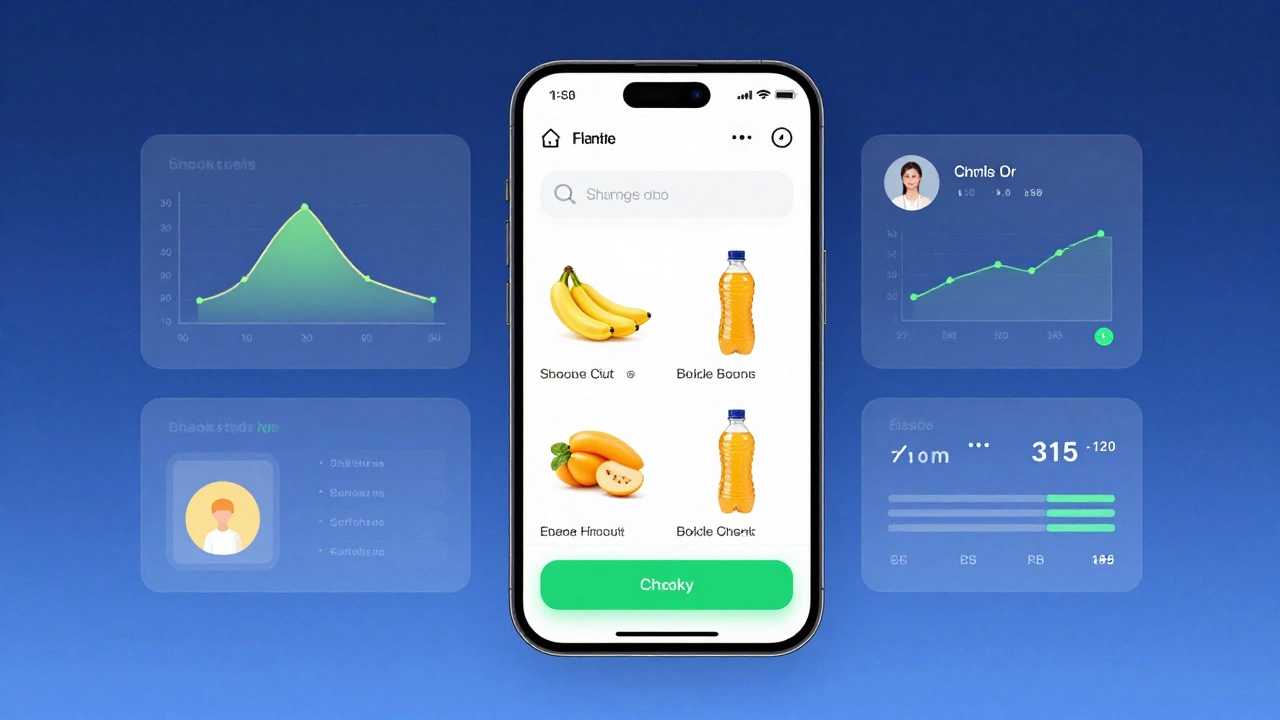
Think of a grocery app. The UI is the layout: where the search bar is, how big the product images are, whether the checkout button is green or blue. The UX is whether you can find milk in under 10 seconds, if the app crashes when you add 10 items to cart, or if it remembers your last order without asking.
UI is what you see. UX is what you feel. Neither exists in a vacuum. Both depend on how the front-end is built.
Where Front-End Development Starts
Front-end development is the code that runs in the browser. HTML structures the page. CSS styles it. JavaScript makes it interactive. That’s the technical layer. A front-end developer turns a Figma design into live, working pixels.
But here’s the catch: if the designer didn’t think about how a button behaves on mobile, or if the color contrast fails accessibility standards, the front-end developer can’t fix that with code alone. They can only build what’s given to them.
That’s why many front-end devs now sit in design sprints. They don’t just wait for a mockup-they ask: "Will this load fast on a 3G connection?" "Can someone with tremors click this?" "What happens if the image doesn’t load?"
Why UI/UX Isn’t Just Front-End
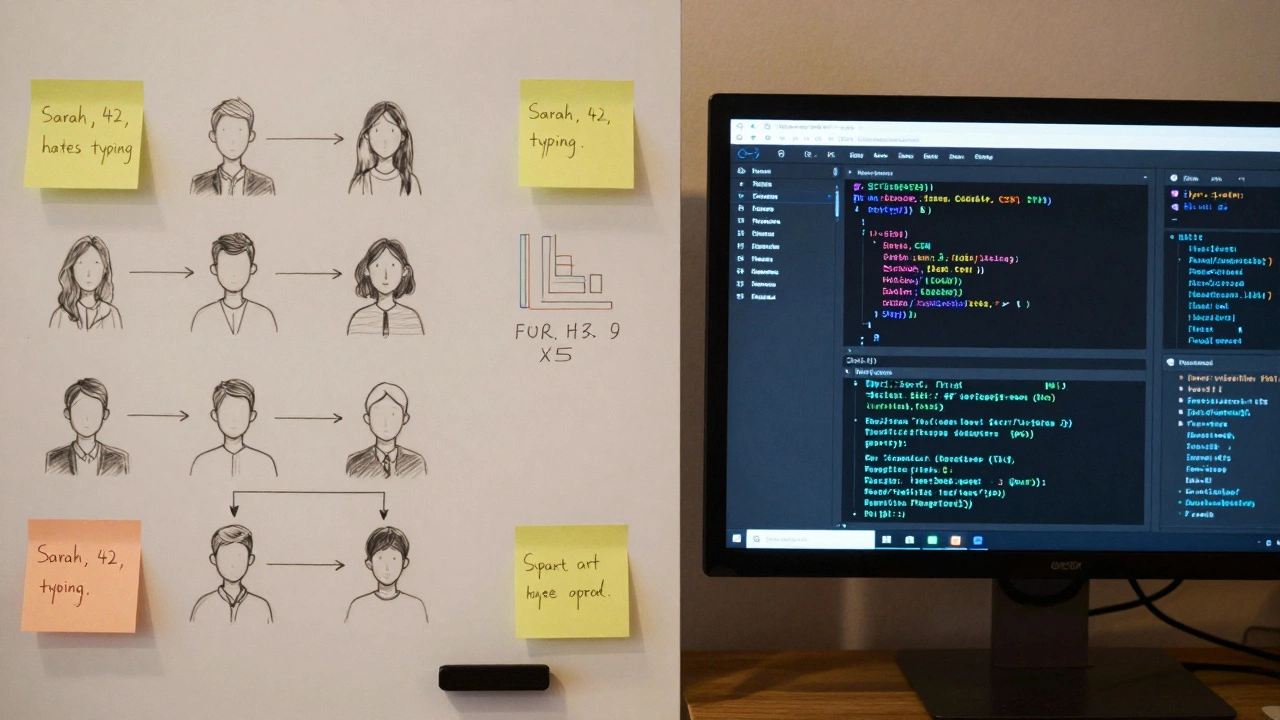
UI/UX starts long before any code is written. It begins with user research, interviews, usability testing, and data analysis. A UX designer might spend weeks watching how real people use a competitor’s app. They map out user journeys. They write personas: "Sarah, 42, works two jobs, uses her phone during lunch, hates typing."
That’s not front-end work. That’s research. That’s psychology. That’s strategy.
And then there’s information architecture-how content is organized. Is the help section buried under three menus? That’s a UX problem. Can you fix it with JavaScript? Maybe. But you can’t fix it without understanding the user’s mental model first.
UI/UX lives in the planning phase, the testing phase, the feedback loop. Front-end development executes the final version.
Where They Overlap
Modern front-end developers don’t just write code-they make design decisions too. A good one knows that a 48px tap target is easier to hit than 32px. They know that a 0.3s transition feels natural, but 1.2s feels sluggish. They understand spacing systems, typography scales, and color contrast ratios.
Many front-end devs now use tools like Figma. They don’t just import designs-they tweak them. They suggest: "This dropdown is too tall. Let’s cut it to 4 items." Or: "This animation slows down the page. Can we reduce the keyframes?"
Companies like Spotify and Airbnb have designers and developers working side by side. The line between UI/UX and front-end is blurred. It’s not a handoff anymore-it’s a conversation.
What Happens When They’re Separated
Think of a car factory where the designer draws the dashboard, and the engineer builds it without talking. The designer wants glowing buttons. The engineer says, "That’ll drain the battery in 2 hours." The dashboard gets built anyway. The car sells poorly.
That’s what happens when UI/UX and front-end teams work in silos. You get beautiful screens that don’t work. Or fast apps that feel cold and confusing.
One study by the Nielsen Norman Group found that 88% of users won’t return to a website after a bad experience. And most of those bad experiences? They come from mismatched design and development.
Who Does What Now?
Here’s how roles are splitting in 2025:
- UI Designer: Creates visuals. Chooses colors, fonts, icons, layouts.
- UX Designer: Researches users. Maps flows. Tests prototypes. Writes copy.
- Front-End Developer: Builds the interface. Writes HTML, CSS, JS. Optimizes performance. Ensures accessibility.
- Product Designer (hybrid role): Does both UI and UX. Often codes basic prototypes. Works with devs daily.
Many startups hire "Product Designers" who can sketch, test, and code. They don’t need a separate UI and front-end team. That’s the future.

Can a Front-End Developer Do UI/UX?
Yes-but only if they learn the skills. Coding a button is easy. Knowing why users click it-or avoid it-is harder.
Front-end devs who want to step into UI/UX should start with:
- Learning user research basics: surveys, interviews, usability tests
- Using Figma or Adobe XD to build clickable prototypes
- Testing their own designs on friends or strangers
- Reading books like "Don’t Make Me Think" by Steve Krug
- Studying accessibility guidelines (WCAG 2.2)
You don’t need a design degree. You need curiosity. And a willingness to listen to users, not just follow a mockup.
What Employers Really Want
Job postings now say "UI/UX skills preferred" for front-end roles. Not because they want you to be a designer-but because they want you to speak the same language.
Imagine two candidates:
- Candidate A: Can build a responsive navbar in React.
- Candidate B: Can build a navbar, AND explains why they chose a hamburger menu over tabs, how they tested it on older phones, and why they increased tap targets by 20%.
Who gets hired? Candidate B. Not because they know more code-but because they understand the why behind the code.
Final Answer: Is UI/UX Front-End?
No. UI/UX isn’t front-end. But front-end can’t succeed without UI/UX.
Think of it like cooking. The chef plans the menu (UX). The sous-chef picks the ingredients and plating (UI). The cook prepares the dish (front-end). You can’t serve great food if the chef never talked to the cook. And you can’t fix bad ingredients with perfect technique.
UI/UX sets the foundation. Front-end builds on it. They’re partners. Not parts of the same job. But they need to talk every day.
If you’re learning front-end, don’t just learn React and Tailwind. Learn how people think. Learn why buttons work. Learn what makes users stay-or leave. That’s the real skill.