
eLearning Platform Checker
Is your favorite app actually an eLearning platform? Select the features that exist in the tool you are evaluating to see if it meets the industry definition.
Select Features
Click on the cards to the left to evaluate a platform.
You are scrolling through your phone, looking for a course on Python or maybe a certification in Project Management. You click a link, create an account, and suddenly you are watching video lectures, taking quizzes, and tracking your progress. That website or app you just landed on? It is almost certainly an eLearning platform. But what actually makes it one? Is it just a video player with a login screen, or is there more to the definition?
Here is the thing: many people confuse simple video hosting sites like YouTube with true eLearning platforms. While both deliver content, they serve completely different purposes. An eLearning platform isn't just about watching; it's about managing the entire journey of learning. If you are trying to figure out which tool fits your needs-whether you are a student, a corporate trainer, or a business owner-you need to understand the core components that define these systems.
The Core Definition: More Than Just Videos
At its heart, an eLearning platform is a digital environment designed to facilitate, manage, and track the learning process. Unlike a static blog post or a standalone PDF, these platforms are interactive ecosystems. They allow instructors to upload content, learners to consume it at their own pace, and administrators to monitor who did what and when.
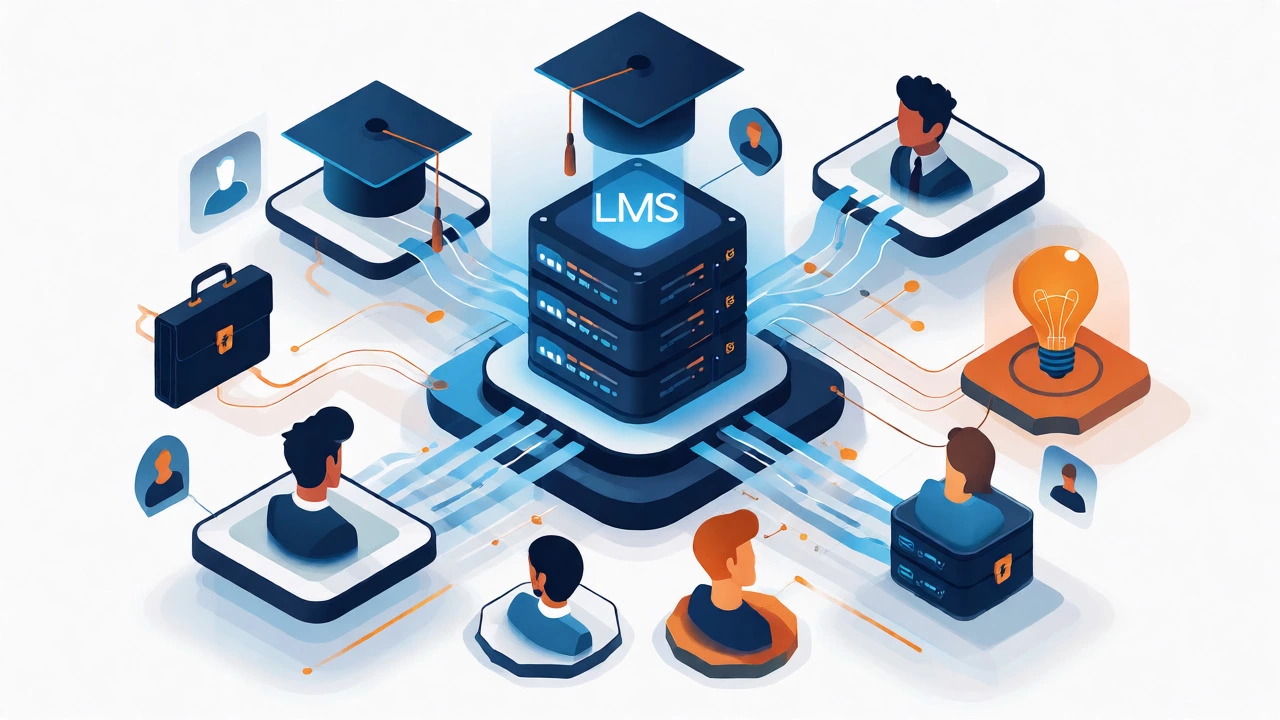
Think of it as a virtual classroom that never closes. The central entity here is the Learning Management System (LMS), which is the most common type of eLearning platform. An LMS provides the infrastructure for delivering training programs. It handles user registration, course enrollment, grading, and reporting. Without this backend structure, you don't have a platform; you just have a library of files.
Why does this distinction matter? Because if you buy a tool thinking it will automate your training reports, but it only hosts videos, you will end up doing all the administrative work manually. True eLearning platforms automate the heavy lifting.
Key Features That Define an eLearning Platform
How do you spot a real eLearning platform from a distance? Look for these specific attributes. If a tool lacks most of these, it is likely just a content repository, not a learning platform.
- User Role Management: The system must distinguish between admins, instructors, and students. Each role sees different dashboards and has different permissions.
- Content Aggregation: It supports multiple formats-videos, SCORM packages, PDFs, quizzes, and live webinar integrations-not just one media type.
- Assessment Tools: Built-in quizzes, assignments, and grading mechanisms. This is where active learning happens, distinguishing it from passive viewing.
- Progress Tracking: The ability to see completion rates, time spent on modules, and test scores. Data is king in modern education.
- Communication Channels: Discussion forums, direct messaging, or comment sections attached to lessons to foster community.
Consider the difference between Netflix and Coursera. Netflix suggests movies based on what you watched. Coursera tracks whether you passed the final exam. That assessment layer is critical. In my experience working with ed-tech startups in Bangalore, the biggest complaint from clients was often that their chosen "platform" couldn't generate compliance certificates because it lacked robust tracking features.
Different Types of eLearning Platforms
Not all eLearning platforms are built the same. They generally fall into three categories, each serving a different job-to-be-done.
| Platform Type | Primary Audience | Key Feature | Best For |
|---|---|---|---|
| Traditional LMS | Corporates & Universities | Rigid curriculum & compliance tracking | Mandatory employee training & degree courses |
| MOOC Provider | General Public | Massive scale & peer reviews | Career switching & hobby learning |
| Authoring Tool + Hosting | SMEs & Creators | Easy content creation & sales funnels | Selling individual courses |
A traditional LMS is heavy-duty. Think Moodle or Blackboard. These are used by universities and large corporations where strict adherence to a syllabus is required. They excel at reporting but can be clunky for casual users.
On the other hand, MOOC providers like Udemy or edX focus on breadth. They connect millions of learners with thousands of courses. Their strength lies in variety and accessibility, not necessarily in deep institutional integration.
Then there are creator-focused platforms like Teachable or Thinkific. These are hybrids. They give you the tools to build a course and sell it directly to consumers. They prioritize marketing features like coupons and landing pages over complex academic grading algorithms.
Is Your Favorite App Actually an eLearning Platform?
This is where confusion sets in. Let’s look at some popular tools and decide if they fit the definition.
YouTube: No. It is a video-sharing site. While you can watch educational content, it lacks structured assessments, progress tracking per user, and credentialing. You cannot issue a certificate of completion via YouTube alone.
Khan Academy: Yes. It is a non-profit educational organization that functions as a personalized learning dashboard. It tracks mastery levels and adjusts difficulty accordingly. It fits the definition because it manages the learner's path.
Zoom: No, not by itself. Zoom is a communication tool. However, if you integrate Zoom into an LMS to record sessions and track attendance, the combined system acts as part of an eLearning ecosystem. Zoom alone doesn't store your grades or course materials permanently in a structured way.
LinkedIn Learning: Yes. It combines video content with skill assessments and integrates directly with professional profiles. It tracks your learning history and recommends paths based on career goals. It is a closed-loop eLearning platform.

How to Choose the Right Platform for Your Needs
Selecting the right tool depends entirely on who you are and what you want to achieve. There is no one-size-fits-all answer, but there are clear decision criteria.
If you are a corporate HR manager, prioritize compliance and reporting. You need an LMS that can prove employees completed safety training. Look for SCORM/xAPI compatibility and detailed audit trails. Cost per user matters less than reliability and integration with your HRIS (Human Resources Information System).
If you are an individual instructor wanting to monetize knowledge, look for ease of use and marketing tools. You don't need complex grade books. You need a checkout system, email automation, and a clean interface that keeps students engaged. Platforms like Kajabi or Podia might serve you better than a heavyweight university LMS.
If you are a student, the platform choice is often made for you. But if you are choosing a self-paced course provider, check for mobile responsiveness and offline access. Can you download lessons? Does the platform sync your progress across devices? These small UX details determine whether you finish the course or abandon it after week two.
The Future of eLearning Platforms
The landscape is shifting rapidly. As of 2026, we are seeing a move away from static content toward adaptive learning. Modern platforms now use AI to analyze how long you spend on a quiz question and adjust the next lesson’s difficulty automatically. This personalization is becoming a standard feature, not a luxury add-on.
Furthermore, social learning is integrating deeper. Instead of isolated silos, platforms are adding cohort-based features where students learn together in real-time. The line between a social network and an educational platform is blurring. When evaluating new tools, ask yourself: Does this platform help me learn alone, or does it help me learn with others? The latter is increasingly valuable in remote work environments.
Another trend is micro-learning integration. Platforms are breaking down hour-long lectures into five-minute chunks compatible with mobile consumption. If your current tool forces you to watch a 45-minute video without pause options, it might be outdated. Flexibility is the new currency in digital education.
What is the difference between an LMS and an eLearning platform?
An LMS (Learning Management System) is a specific type of software focused on administration, tracking, and delivery of formal training. An eLearning platform is a broader term that includes LMSs but also encompasses marketplaces, authoring tools, and informal learning apps. All LMSs are eLearning platforms, but not all eLearning platforms are full-featured LMSs.
Can I use WordPress as an eLearning platform?
Yes, but only with plugins. WordPress itself is a CMS (Content Management System). By installing plugins like LearnDash or Tutor LMS, you transform it into an eLearning platform capable of handling courses, enrollments, and payments. Without these plugins, it is just a website builder.
Do eLearning platforms require internet access?
Most cloud-based platforms require internet access for real-time syncing and streaming. However, many modern apps offer offline modes where you can download content to view later. Progress usually syncs once you reconnect. On-premise solutions installed on local servers might function within a local network without external internet, but this is rare for consumer-facing platforms.
Is Coursera an eLearning platform?
Yes, Coursera is a prominent example of an eLearning platform, specifically a MOOC (Massive Open Online Course) provider. It offers structured courses, degrees, and certifications from universities and companies worldwide, complete with video lectures, readings, problem sets, and graded assignments.
What is SCORM and why does it matter?
SCORM (Sharable Content Object Reference Model) is a set of technical standards for eLearning software products. It ensures that course content created in one authoring tool can be played back in any compliant LMS. If you plan to reuse existing course materials or migrate data between systems, SCORM compatibility is crucial for interoperability.